- AI coding agents
- Tutorials
How to use AI coding agents to ship code
Take a coding task from issue to pull request with Cursor, Claude Code, or OpenAI Codex. Give the agent a clear brief, review its diff, and verify the fix before merging.
Dopbase guides
Guides for developers who keep secrets in .env files and work with coding agents such as Claude Code, Cursor and Codex. We also explain why Dopbase is built the way it is.
Take a coding task from issue to pull request with Cursor, Claude Code, or OpenAI Codex. Give the agent a clear brief, review its diff, and verify the fix before merging.
Use the Dopbase Node.js SDK to load server-side secrets at runtime in a Next.js App Router app. Follow a working example with screenshots.
Where Claude Code reads environment variables from, which ones hold API keys, and how to set them without leaving a key in settings.json or .env.
Set up DeepSeek with Claude Code on macOS or Linux. Configure your API key, endpoint, and models, then use Dopbase to keep the settings in one place.
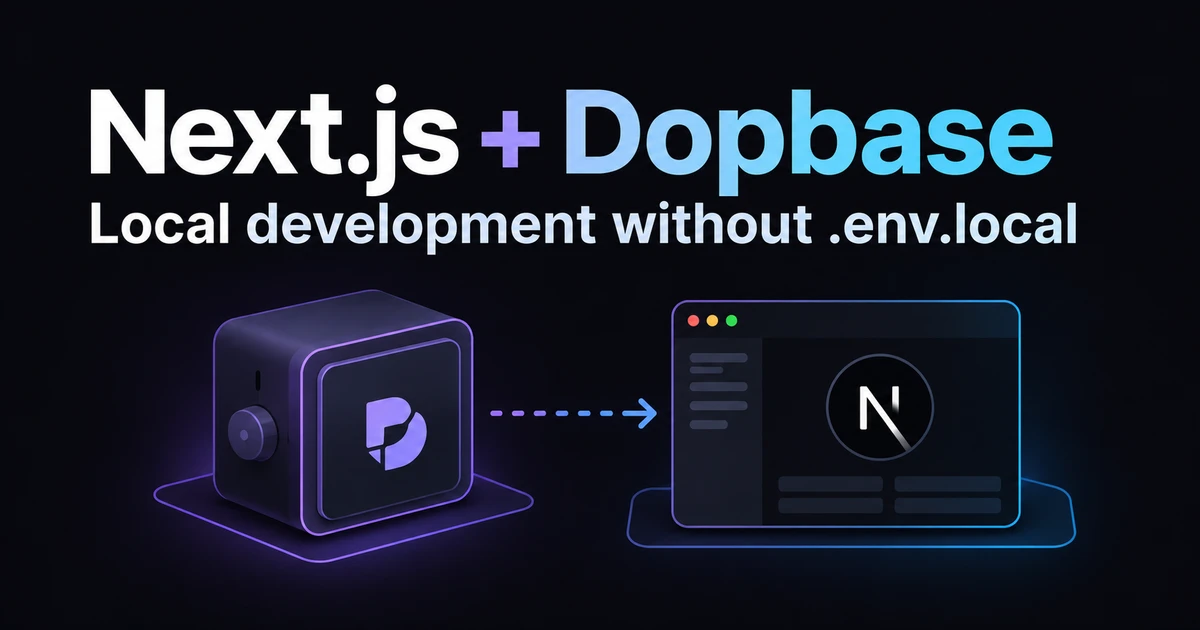
Use Dopbase with Next.js for local development. Import your environment variables, run the dev server without .env.local, and update values in one place.

Learn how dotenv loads .env files in Node.js, validate environment variables, fix common errors, and move from local files to Dopbase runtime injection.

Compare secure ways to share .env variables with your team, from password managers and encrypted files to runtime secret injection with Dopbase.
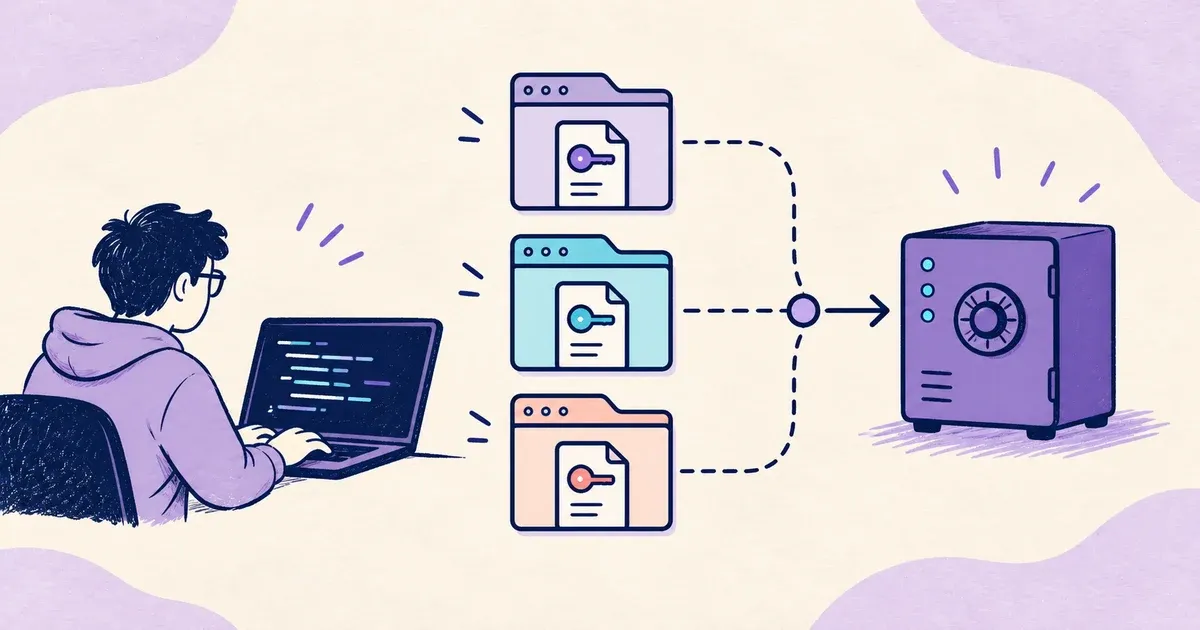
Learn how a solo developer uses Dopbase to manage .env secrets across multiple projects without keeping plaintext copies in every repository.

Compare Dopbase and Doppler on open source, self-hosting, pricing, and workflow. Learn when each secrets manager fits your team.
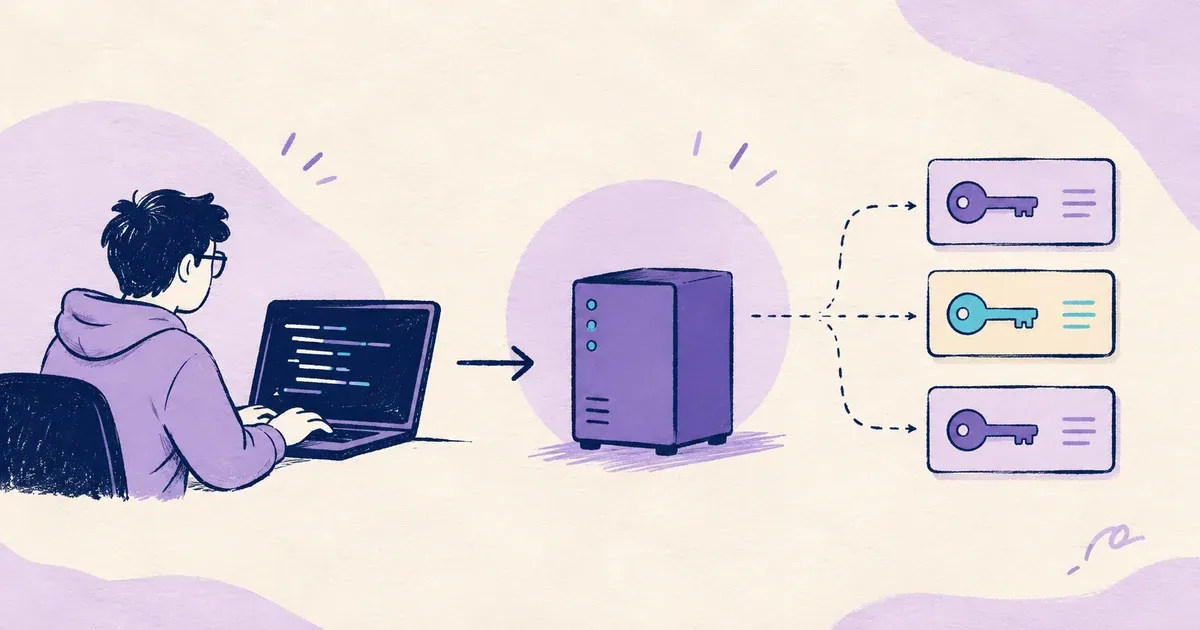
Looking for the best open-source self-hosted secrets manager? Compare Dopbase with Infisical and see why a focused Rust-based workflow can fit developers.
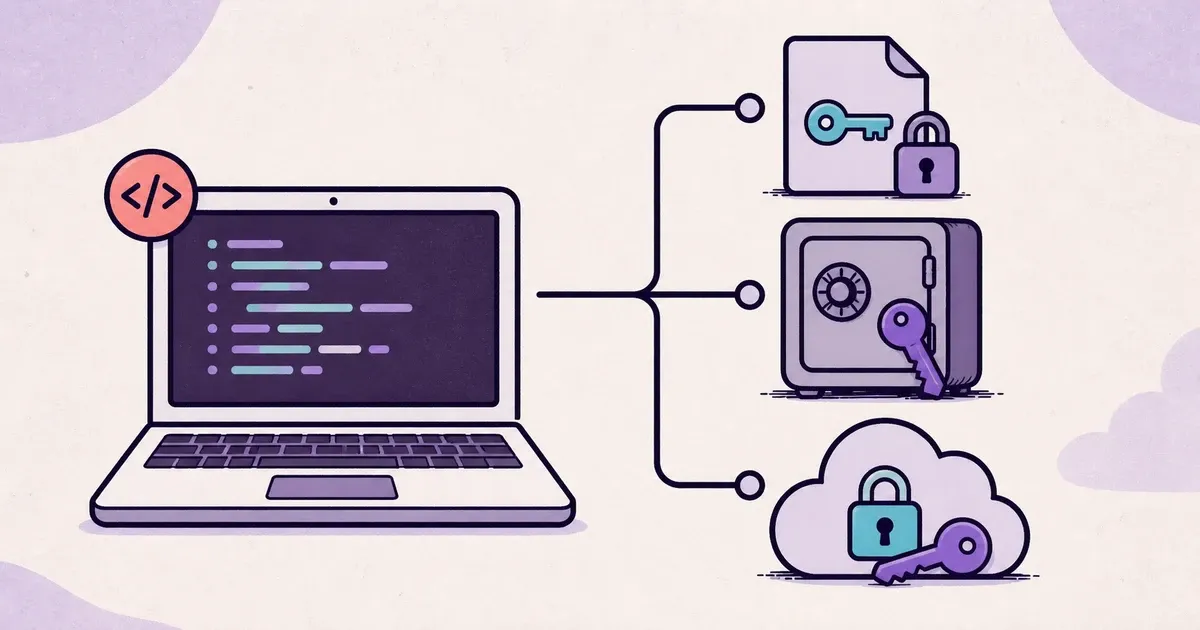
Compare secrets management tools for developers: what each is good at, and where a small self-hosted option fits.
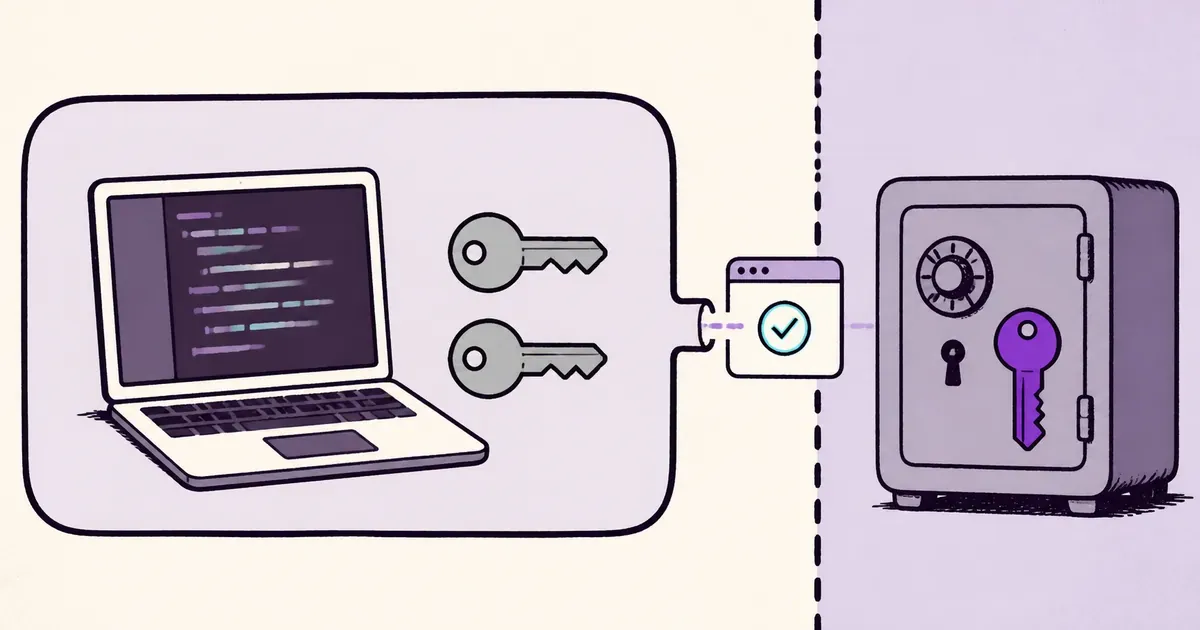
Move real values out of the project, give Claude Code, Cursor or Codex secret names only, and run credentialed code after you have reviewed it.