Claude Code environment variables and .env files
Where Claude Code reads environment variables from, which ones hold API keys, and how to set them without leaving a key in settings.json or .env.
Claude Code reads environment variables from the shell that starts it and from the env block in its settings.json files. When both set the same variable, the settings file wins, and a .env file in your project is never loaded.
The official Claude Code reference lists every variable. This guide answers a narrower question: where a value can come from, who else can read it there, and how to give Claude Code an API key without writing it into settings.json or .env.
The commands are for macOS and Linux. The precedence results come from a test on Claude Code 2.1.322, run on 14 November 2026.
Contents
- Where Claude Code reads variables from
- The variables that hold secrets
- Set them in your shell
- Set them in settings.json
- What a project .env file does
- Load them from Dopbase when Claude starts
- Questions
- Conclusion
Where Claude Code reads variables from
When one variable is set in several places, Claude Code uses the highest row in this table that sets it.
| Source | Applies to | Who else can read the value |
|---|---|---|
Managed settings env |
Everyone in your organization | Your admins |
--settings flag |
One session | Anyone who can read the file you pass |
.claude/settings.local.json env |
You, in this project | The agent and any tool working in the project folder |
.claude/settings.json env |
Everyone who clones the project | Everyone with access to the repository |
~/.claude/settings.json env |
You, in every project | Any program running as your user |
| Shell environment | The claude process started from it |
Every program started from that shell |
Project .env |
Nothing. Claude Code doesn’t load it | The agent can still open the file |
We tested the bottom five rows by setting the same variable in two sources at a time and printing the environment from a hook. User settings beat the shell, project settings beat user settings, and local settings beat project settings. A variable that existed only in .env never appeared. The top two rows follow the settings precedence in the Claude Code docs.
Most command-line tools let an exported variable override a config file. Claude Code works the other way round: it writes each env entry into its own process environment and replaces the value it inherited from the shell. If an export seems to be ignored, look for the same name in a settings file.
A few details change how this plays out:
- Claude Code reads the shell environment once, at startup. It reapplies
envvalues when you save a settings file, so those can change in a running session. envvalues in the two project files apply after you trust the folder.claude -pshows no trust prompt, so there they apply at startup.- A settings file can set a variable but can’t remove one. To cancel a shell export, set the name to an empty string in
env. - When the Claude Desktop app starts the session, the environment it builds takes precedence over
envin settings files.
Some behaviors have both a variable and a settings key, and each pair has its own rule. ANTHROPIC_MODEL exported in the shell, for example, beats the model key in any file.
The variables that hold secrets
Most variables in the reference are switches and limits. These hold a credential:
| Variable | What it holds |
|---|---|
ANTHROPIC_API_KEY |
An Anthropic API key. When set, Claude Code uses it instead of your subscription |
ANTHROPIC_AUTH_TOKEN |
A bearer token for an LLM gateway or another provider |
CLAUDE_CODE_OAUTH_TOKEN |
A long-lived login token from claude setup-token, meant for CI |
AWS_BEARER_TOKEN_BEDROCK |
An Amazon Bedrock API key |
ANTHROPIC_FOUNDRY_API_KEY |
A Microsoft Foundry API key |
ANTHROPIC_CUSTOM_HEADERS |
Extra request headers, which can include an Authorization header |
In an interactive session, Claude Code asks once before ANTHROPIC_API_KEY replaces your subscription login. Project and local settings can’t set CLAUDE_CODE_OAUTH_TOKEN; Claude Code ignores it there.
ANTHROPIC_BASE_URL and the model variables are not secret, but they usually travel with the key because they decide where it is sent. How to use OpenRouter with Claude Code sets all four together for one provider.
The processes Claude Code starts inherit its environment: Bash commands, hooks and stdio MCP servers. If the key is in that environment, a command such as printenv can print it into the conversation.
Setting CLAUDE_CODE_SUBPROCESS_ENV_SCRUB=1 removes credentials from those subprocesses while Claude Code keeps them for its own API calls. The scrub recognizes a credential by its name or by the shape of its value, so the docs recommend using it together with permission rules.
Set them in your shell
For one terminal session, export the variable and start Claude Code:
export ANTHROPIC_API_KEY="sk-ant-..."
claude
To set it for a single command, put the assignment in front:
ANTHROPIC_API_KEY="sk-ant-..." claudeBoth commands land in your shell history with the key in them. This version prompts for the key and hides what you paste:
read -rs ANTHROPIC_API_KEY && export ANTHROPIC_API_KEYTo set it in every new terminal, open your shell profile in an editor and add the export line. The file is ~/.zshrc on macOS and ~/.bashrc on most Linux distributions:
export ANTHROPIC_API_KEY="sk-ant-..."Open a new terminal afterwards. The key is now plain text in a dotfile, and every program you start from that shell receives it, including ones that have nothing to do with Claude.
You can check that a variable is set without printing it:
echo "${ANTHROPIC_API_KEY:+set}"Set them in settings.json
Add variables under the env key. This example from the Claude Code docs routes requests through a proxy and turns off automatic compaction:
{
  "env": {
    "ANTHROPIC_BASE_URL": "https://proxy.example.com",
    "DISABLE_AUTO_COMPACT": "1"
  }
}
Settings files are strict JSON, so a comment or a trailing comma breaks the file. Claude Code copies each value as written. No shell processes it, which means ~ and $HOME stay as typed. Run /status inside Claude Code to see which settings files it loaded.
Which file you choose decides who gets the value:
~/.claude/settings.jsonis yours and applies in every project..claude/settings.jsonis committed, so a key placed there goes to everyone who clones the repository..claude/settings.local.jsonstays out of git when Claude Code creates it. If you create it by hand, add it to.gitignoreyourself. It still sits in the project folder, where the agent and other tools can open it.
For switches, model names and a base URL, a settings file works well. For the key, the docs point out that env values are plain text and reach every subprocess, and they recommend apiKeyHelper instead. It names a command, and Claude Code sends that command’s output as the credential:
{
  "apiKeyHelper": "~/bin/claude-key.sh"
}
Claude Code caches the output for five minutes by default and then runs the command again.
What a project .env file does
A project .env does nothing for Claude Code’s own configuration. Putting ANTHROPIC_API_KEY there has no effect, because Claude Code doesn’t parse the file.
The file still matters in two ways.
Claude can open it. A .env file sits in the workspace, and .gitignore only keeps it out of commits. Can AI coding agents read your .env file? covers that in detail. The Claude Code docs suggest a deny rule:
{
  "permissions": {
    "deny": ["Read(./.env)", "Read(./.env.*)"]
  }
}
The rule covers Claude’s file tools and the file commands Claude Code recognizes in Bash, such as cat. It doesn’t cover a script that opens the file itself. For that, the docs point to the sandbox. We ran each of these cases in .claudeignore doesn’t work in Claude Code. What does. A “never read .env” line in CLAUDE.md is only a request, and CLAUDE.md vs AGENTS.md: which file Claude Code reads tests one.
Your application also loads it. When Claude runs npm run dev or a test suite, the framework or a loader such as dotenv reads .env into that process. Log lines and error output from the run can then carry the values back into the session.
Despite its name, CLAUDE_ENV_FILE has nothing to do with dotenv files. It is the path to a shell script that Claude Code runs before each Bash command, and its usual job is keeping a virtualenv or conda environment active between commands.
Load them from Dopbase when Claude starts
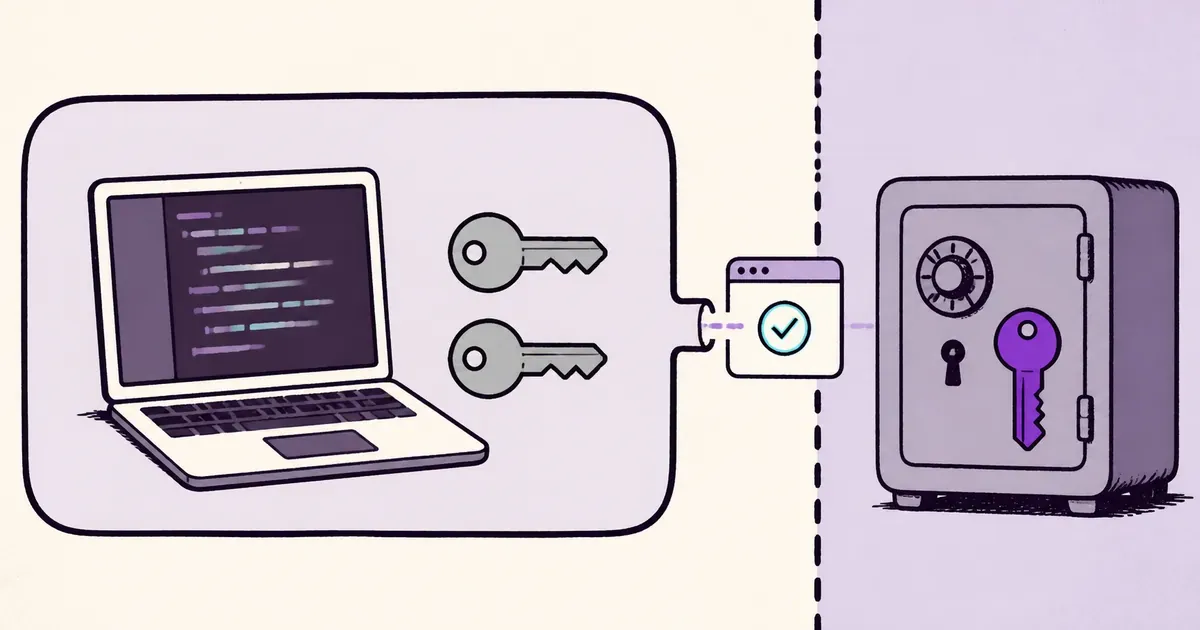
Dopbase is a secrets manager for developers and AI coding agents. It stores values by project and environment on a server, and dopbase run fetches one environment and passes it to a single command as environment variables.
Put Claude’s variables in a temporary dotenv file, import it, delete the file, then start Claude through Dopbase:
dopbase init claude-code/development --from claude.env
rm claude.env
dopbase run claude-code/development -- claude
init creates the claude-code project and its development environment from the file. To rotate the key later, run dopbase secret set claude-code/development ANTHROPIC_API_KEY and paste the new value at the masked prompt. How to use DeepSeek with Claude Code walks through the same setup with screenshots.
After this, the key is no longer in settings.json, your shell profile or a project .env. Dopbase keeps it in encrypted storage on the server and in an encrypted runtime cache on your machine.
Values from dopbase run arrive as shell environment, the lowest row that Claude Code reads in the table above. An env entry with the same name in any settings file overrides them, so remove those duplicates.
Running Claude this way hands the values to Claude. Claude Code receives them and its subprocesses inherit them, unless you turn on the scrub described earlier. Keep this environment to Claude’s own settings: the API key, the base URL and the model names. Leave database passwords and other application secrets out of it.
Application secrets belong in a separate environment that you pass to the app command yourself, for example dopbase run payment-service/development -- npm test. The agent can work with a Names only token, which lists secret names and versions and is refused the values. How to keep .env secrets away from AI coding agents describes that setup.
Questions
Can Claude Code read environment variables?
Yes. Claude Code reads the variables in its own environment to configure itself. The commands it runs inherit that environment too, so Claude can see a value by running echo $NAME or printenv. Anything exported in the shell that started claude is within its reach.
How do I set an API key variable for Claude Code?
Export ANTHROPIC_API_KEY in the shell before you start claude, or add the export line to ~/.zshrc or ~/.bashrc to keep it. To keep the key out of those files, use apiKeyHelper or start Claude with dopbase run.
Why does Claude Code ignore the variable I exported?
A settings file probably sets the same name. Check the env block in ~/.claude/settings.json, .claude/settings.json and .claude/settings.local.json. A value there replaces the one from your shell.
Where is the Claude Code settings.json file?
There are three you can edit: ~/.claude/settings.json for yourself, .claude/settings.json for the project, and .claude/settings.local.json for yourself in one project. Installing Claude Code creates none of them, so create the file if it’s missing.
Conclusion
Claude Code takes its environment variables from the shell and from the env block in its settings files, and the settings file wins when both set the same name. It never loads a project .env, though Claude can still open that file unless you deny the read.
Switches, model names and a base URL are fine in settings.json. The API key is the value worth moving out of plain text, either with apiKeyHelper or by starting Claude through Dopbase:
dopbase run claude-code/development -- claudeIf you start it that way, remove the same names from every env block so they don’t override the stored values, and keep that environment limited to what Claude Code itself needs.