Human
Secrets management for developers
Secrets manager in a single file.
Drop your .env and keep your secrets in a safe place. Dopbase
organizes them by project and environment, then loads the right values into
your application process with one command.
Dopbase - DevOps Secrets Base is open source by design. its encryption, storage, and secret delivery mechanism are fully inspectable.
# run secrets manager
$ dopbase server start
# import an existing environment
$ dopbase init api development --from .env
# run without writing secrets to disk
$ dopbase run api/development -- npm start
resolved context
api / development Just run
- 01Serve
Run a local server or use a remote Dopbase endpoint.
- 02Connect
Point the command-line client at that server.
- 03Manage
Organize secrets by project and environment.
- 04Run
Deliver that environment to an application process.
Why Dopbase
A .env file works until its copies start drifting apart.
One file on one machine is simple. Once a team, its CI jobs, and its servers all have separate copies, values drift and old credentials hang around. It also becomes difficult to tell who changed what.
Dopbase keeps the familiar key and value model, then adds encrypted storage, access controls, audit records, and process delivery.
Product demo
See Dopbase in action.
Create a project and environment, add a secret, then pass it to a local app from the command line.
The Dopbase model
Project. Environment. Secret.
A project represents an application or service. Environments separate development, staging, and production values. Each secret has its own record instead of being hidden inside one opaque file.
project payment-service
environmentdevelopment
environmentstaging
environmentproduction
DATABASE_URL STRIPE_SECRET_KEY REDIS_URL Who uses Dopbase
Human, machine, and agent work together.
Each has a separate role, so secrets stay with the systems and people that need them.
Machine
Runs the application with the secrets it receives.
AI agent
Works with metadata without reading secret values.
One executable, two roles
The server stores the data. The client requests it.
dopbase server start Server
The server contains the API and Admin UI, stores encrypted secrets in SQLite, and handles authentication and audit records.
dopbase run Client
The client connects to the server, selects an environment, and passes its values to an application process.
Runs the server
Self-hosting is the main of the product.
Practical guides
Secrets management and safer AI coding
dotenv Explained: Complete Guide for Developers
Learn how dotenv loads .env files in Node.js, validate environment variables, fix common errors, and move from local files to Dopbase runtime injection.
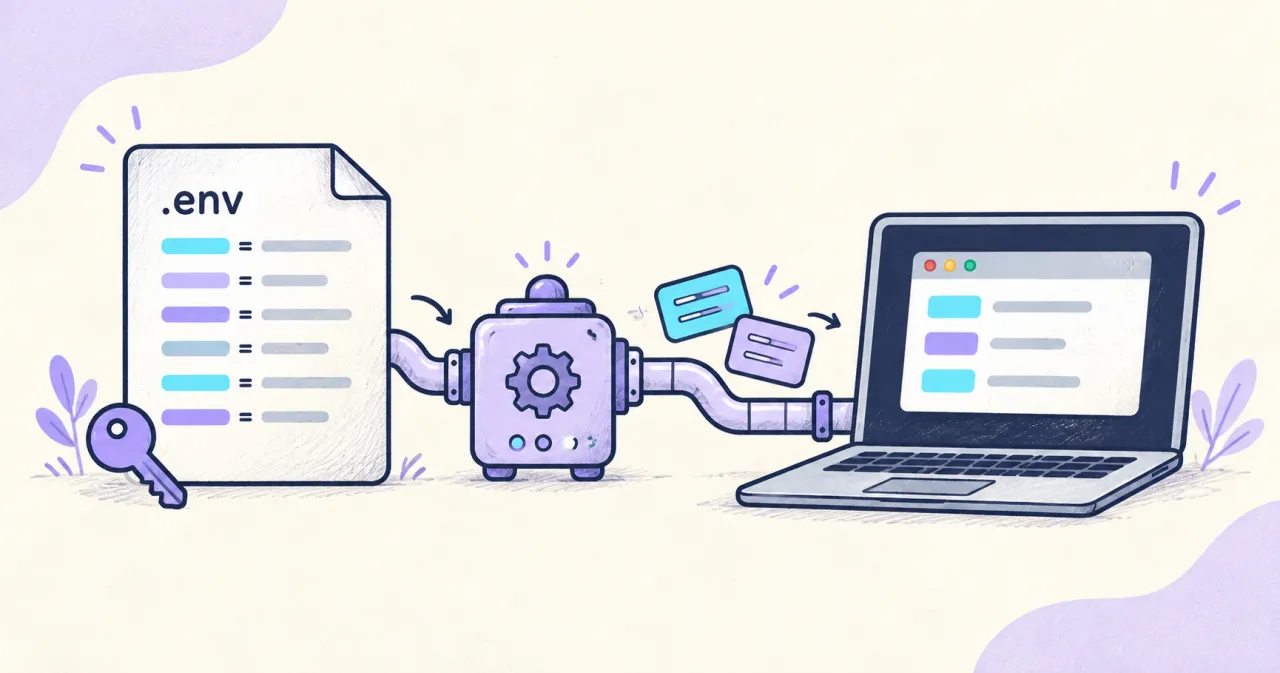
How to share .env variables securely with your team
Compare secure ways to share .env variables with your team, from password managers and encrypted files to runtime secret injection with Dopbase.

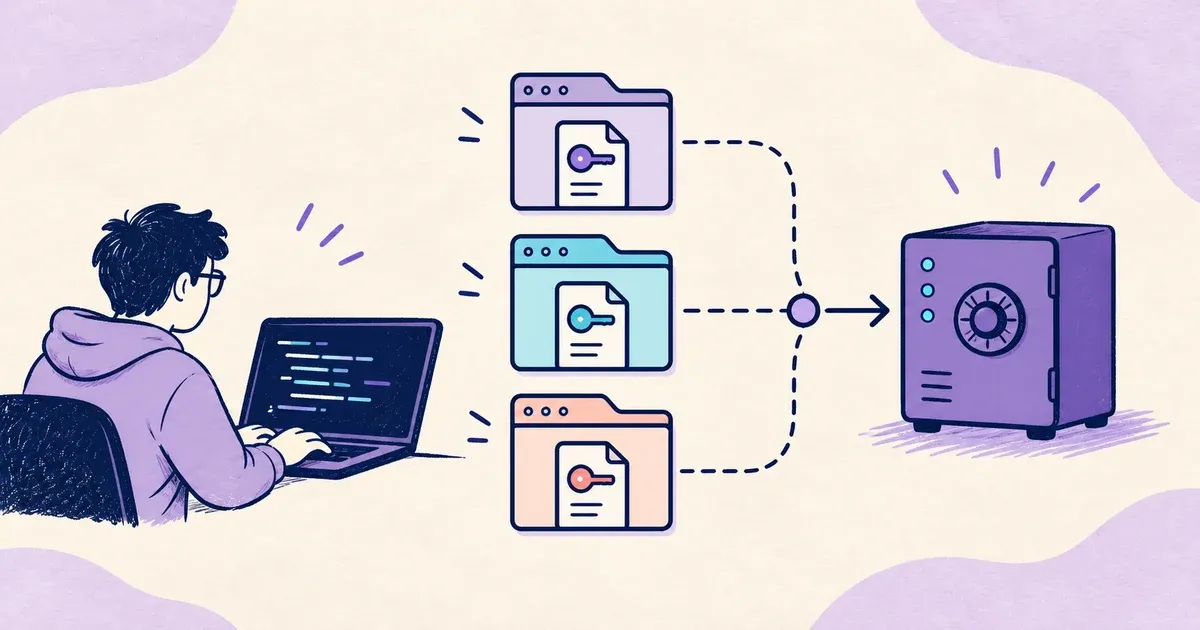
How to Manage .env Secrets Across Multiple Projects Efficiently
Learn how a solo developer uses Dopbase to manage .env secrets across multiple projects without keeping plaintext copies in every repository.