How to Manage .env Secrets Across Multiple Projects Efficiently
Learn how a solo developer uses Dopbase to manage .env secrets across multiple projects without keeping plaintext copies in every repository.
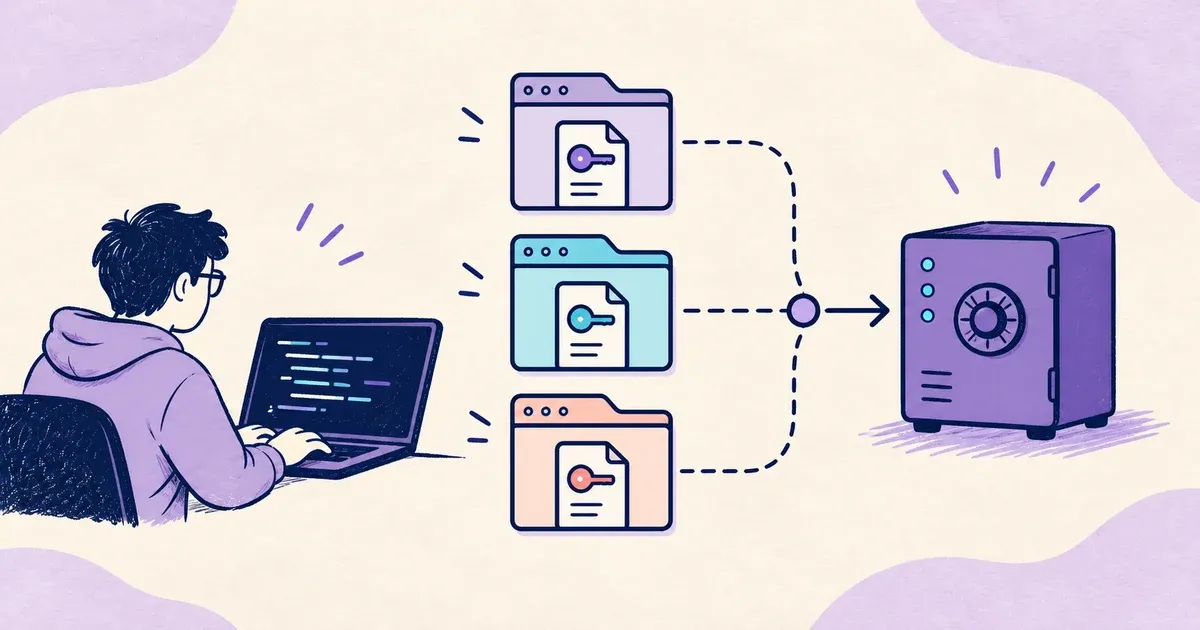
AI coding tools have made it realistic for one developer to build and maintain several applications at once.
My own version of that story started after I was laid off. I began building applications that could help other people and, hopefully, generate some income.
Every application needed a .env file for database hosts, API keys, service credentials, and other environment-specific values.
With one project, that setup felt manageable. By the third project, handling separate secret files had become a problem of its own.
Creating an .env file was easy. Keeping every project’s values organized, current, and separate from the wrong environment was the real problem.
I wanted one place to manage those secrets without changing how my applications read environment variables. That search led me to Dopbase.
What is Dopbase?
Dopbase is an open-source, self-hosted secrets manager built around projects, environments, and individual secret records.
The current Dopbase 0.1.6 release packages its server, CLI, Admin UI, REST API, migrations, and SQLite storage into one executable.
Its structure maps cleanly to the way I already organize applications:
Project
  └── Environment
        └── Secrets
A project can represent an application, while environments hold its development, staging, or production values.
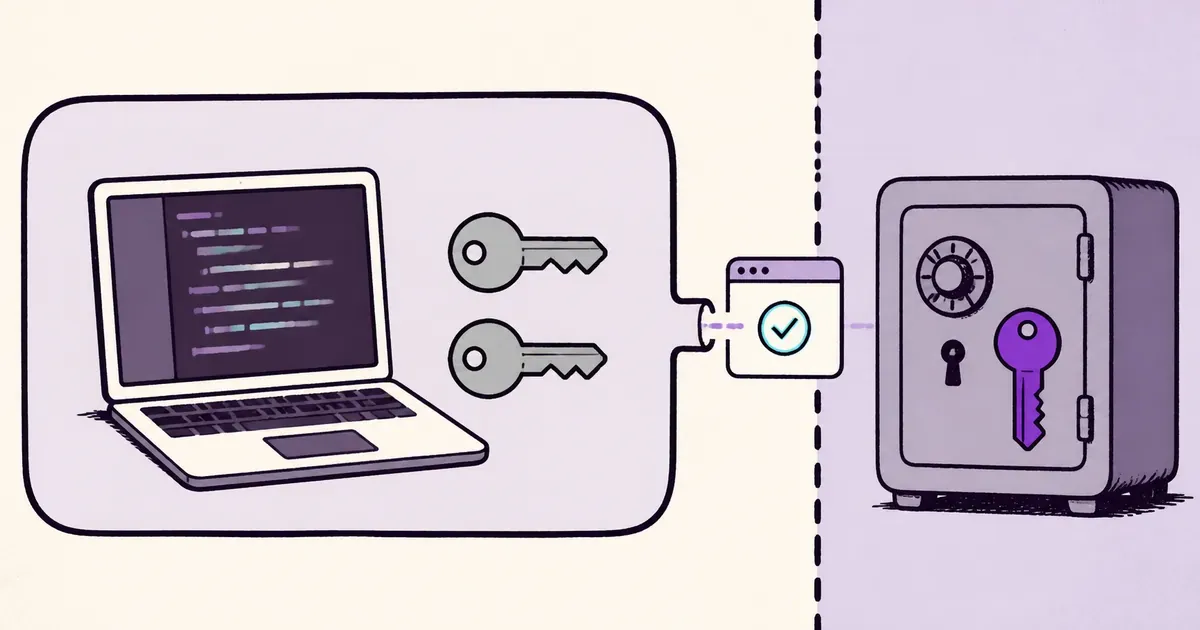
Dopbase encrypts secret values before persistence. Its documented security model keeps the master key separate from the SQLite database.
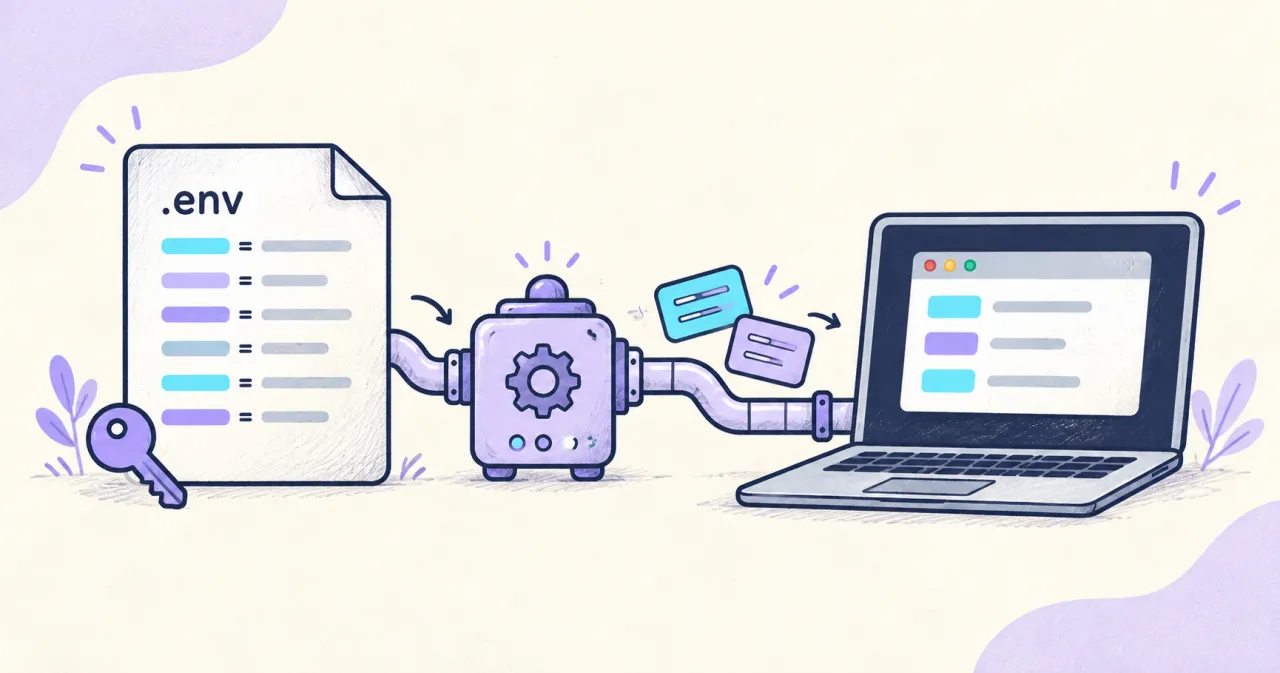
When an application starts, dopbase run retrieves one environment and injects its values into the child process. It does not create another .env file.
That detail mattered because my applications could keep using normal environment variables without leaving working credentials inside every repository.
How I set up Dopbase
The safest starting point is a local installation with one low-risk development project. This keeps the first test easy to inspect and reverse.
On macOS or Linux, the official installer downloads the matching release and verifies its checksum:
curl -fsSL https://dopbase.com/install.sh | sh
dopbase -v
Next, I started the local server:
dopbase server startThe server exposes its Admin UI at http://localhost:8840. Complete the initial setup on that page, then sign in through the CLI:
dopbase loginThe quick-start guide covers the complete installation and first-run process.
Importing each project’s .env file
From an application’s directory, I created a Dopbase project and imported its development values:
dopbase init invoice-app/development --from .envThe command creates the project and environment, then stores each entry as an individual secret. Repeat that step from each application directory.
For an existing project that needs another environment, the workflow stays explicit:
dopbase env create invoice-app/staging
dopbase import invoice-app/staging .env.staging --dry-run
dopbase import invoice-app/staging .env.staging
The dry run shows which keys would change before the real import. Dopbase also validates the complete file before updating server state.
Check the imported keys and run the application successfully before removing any original plaintext file.
Running an application with the right secrets
Starting an application now requires an explicit project and environment:
dopbase run invoice-app/development -- bun run devDopbase retrieves the selected values and passes them to the child process. Managed values override matching variables inherited from the parent process.
The application still reads DATABASE_URL, API_KEY, and other familiar variables. The storage and delivery workflow changed, but the application contract did not. For a Node.js example, see how to move from dotenv to runtime injection.
This was useful across different stacks because the command after -- can be any application command:
dopbase run api-service/development -- cargo run
dopbase run marketing-site/development -- bun run dev
dopbase run automation-worker/development -- python app.py
Each command names the intended environment. That visible target reduces the chance of quietly loading values from the wrong local file.
Why this workflow feels more efficient
Each application now has a named project, and each deployment context has a named environment. I no longer need an informal folder system for working secrets.
Updates happen against a specific environment instead of another copied file. That makes the location of the current value easier to understand.
The same command pattern works across my projects, regardless of their language or framework. I choose the target, then start the application normally.
The repository can keep an .env.example with variable names and harmless placeholders. Working values remain outside the normal coding workspace.
That boundary also helps when using coding agents. An ignored .env file can still be read by any tool with workspace access.
The guides on AI agents reading .env files and keeping secrets outside AI coding workspaces explain that risk in detail.
Dopbase does not make injected values invisible to the receiving application. A compromised child process can still print or misuse any secret it receives.
Production also needs stricter controls than local development. Use separate credentials and review the guide to separating development and production secrets.
Self-hosting brings its own responsibilities. Operators still need to manage TLS, network access, master-key protection, backups, monitoring, upgrades, and recovery tests.
Common questions
Can Dopbase manage secrets for multiple projects?
Yes, Dopbase can manage multiple projects. Each application can have separate development, staging, and production environments.
Does Dopbase completely replace .env files?
Dopbase can replace plaintext .env files as permanent storage while still importing dotenv files and delivering values as environment variables.
Does dopbase run write secrets to disk?
It does not create a new .env file. It injects the selected values into the child process environment.
Can an AI coding agent read injected secrets?
Yes, if the agent receives those variables or controls the process using them. Keep routine agent work on fake or restricted values.
Is Dopbase free for solo developers?
Dopbase uses the Apache 2.0 license without per-seat fees. Self-hosted users still pay for infrastructure and handle operations.
Conclusion
After using Dopbase, I stopped treating every application’s .env file as a separate secret store that I had to manage manually.
My applications still use ordinary environment variables. Dopbase stores those values centrally and loads the selected environment only when needed.
The workflow is especially helpful when one developer moves between several projects every week. The project and environment names make each choice visible.
Start with one low-risk development application. Import its .env, verify the keys, run it through Dopbase, and test backup recovery before expanding further.