- .env
- Tutorials
Node env file not loading? Three ways to fix it
Your Node env file loads nothing and process.env comes back undefined. Fix it with Dopbase, Node's built-in --env-file flag or dotenv, with tested commands.
9 posts in this category.
Your Node env file loads nothing and process.env comes back undefined. Fix it with Dopbase, Node's built-in --env-file flag or dotenv, with tested commands.
Set up OpenRouter with Claude Code on macOS or Linux: the endpoint, key and model, loaded per command so your own Claude Code settings stay untouched.
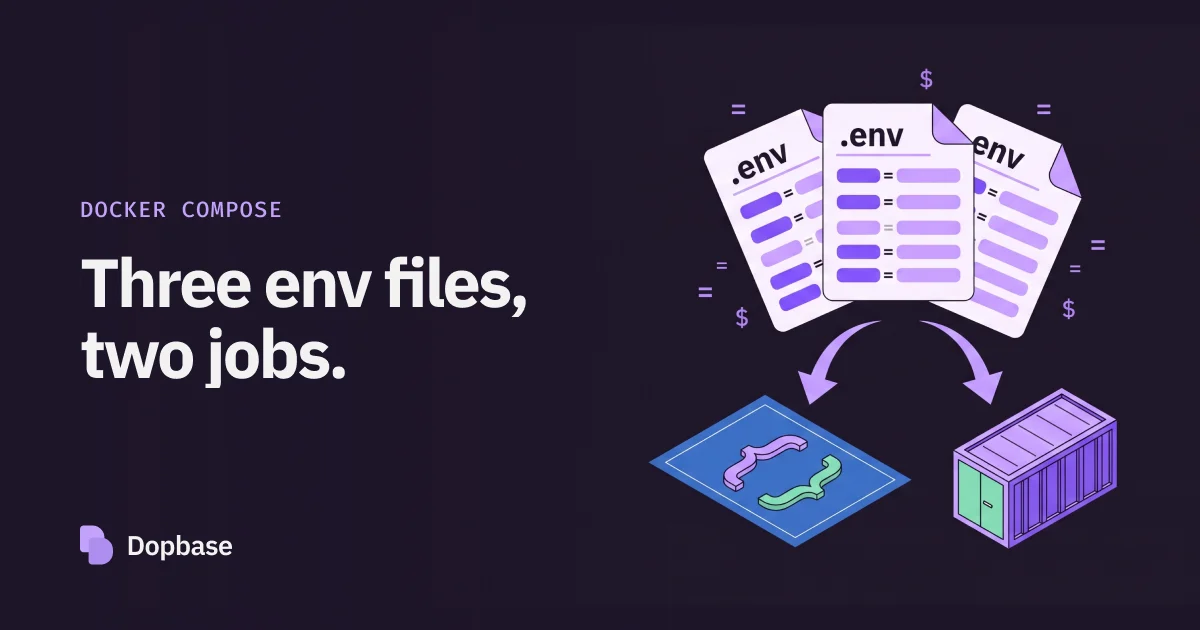
A Docker Compose env file does one of two jobs: fill ${VAR} in compose.yaml or set variables in a container. We tested which file does which.
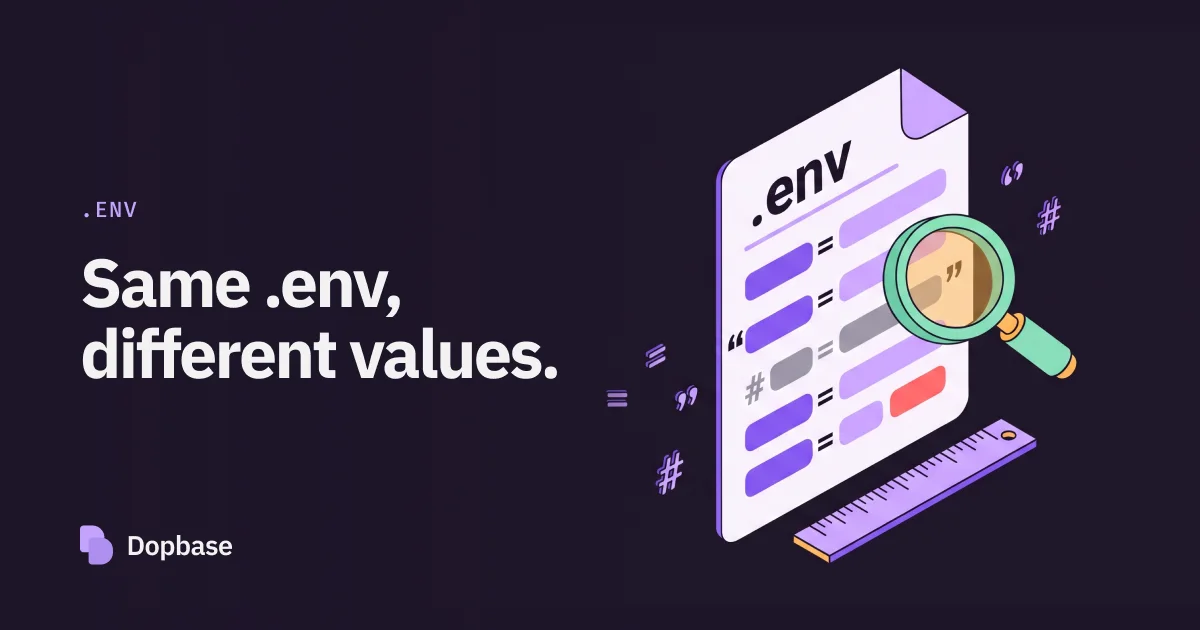
The .env file format on one page: keys, quotes, comments, multiline values and export, plus the differences between dotenv, Docker and the shell.
Take a coding task from issue to pull request with Cursor, Claude Code, or OpenAI Codex. Give the agent a clear brief, review its diff, and verify the fix before merging.
Use the Dopbase Node.js SDK to load server-side secrets at runtime in a Next.js App Router app. Follow a working example with screenshots.
Set up DeepSeek with Claude Code on macOS or Linux. Configure your API key, endpoint, and models, then use Dopbase to keep the settings in one place.
Use Dopbase with Next.js for local development. Import your environment variables, run the dev server without .env.local, and update values in one place.
Learn how dotenv loads .env files in Node.js, validate environment variables, fix common errors, and move from local files to Dopbase runtime injection.