dotenv Explained: Complete Guide for Developers
Learn how dotenv loads .env files in Node.js, validate environment variables, fix common errors, and move from local files to Dopbase runtime injection.
DevOps secrets manager base.
Dopbase guides
We write practical guidance for developers handling application secrets, plus honest notes about the decisions behind Dopbase. Product examples use the current Dopbase command-line interface.
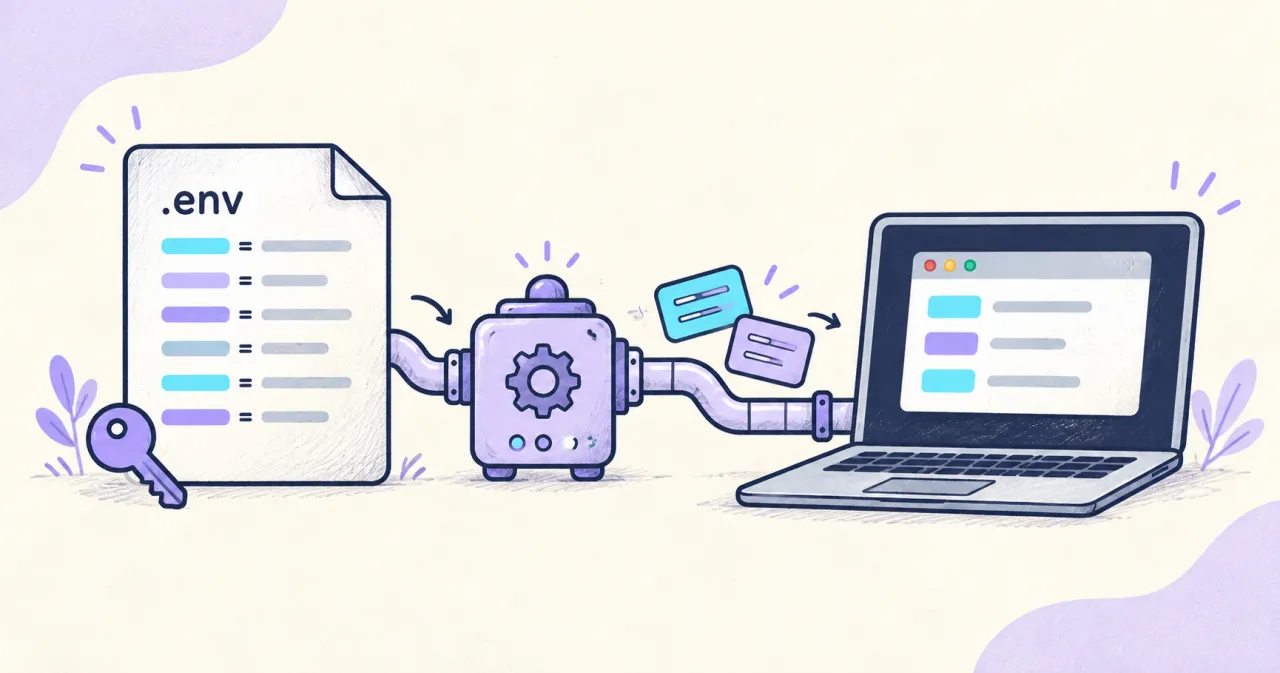
Learn how dotenv loads .env files in Node.js, validate environment variables, fix common errors, and move from local files to Dopbase runtime injection.
Compare secure ways to share .env variables with your team, from password managers and encrypted files to runtime secret injection with Dopbase.

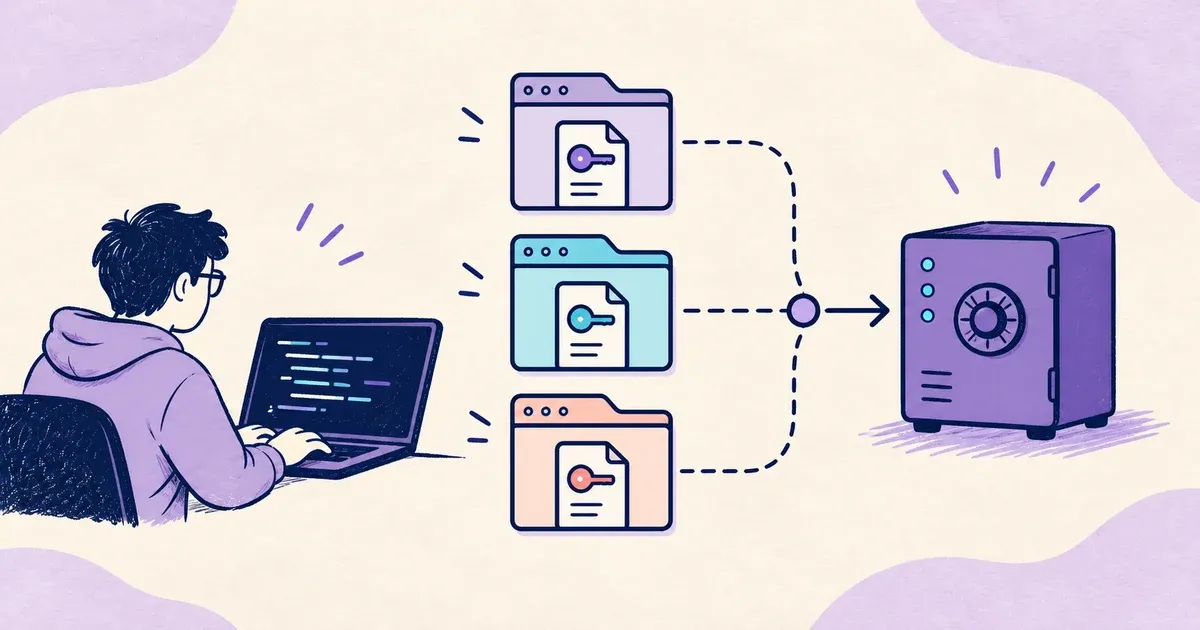
Learn how a solo developer uses Dopbase to manage .env secrets across multiple projects without keeping plaintext copies in every repository.
Compare Dopbase and Doppler on open source, self-hosting, pricing, and workflow. Learn when each secrets manager fits your team.
Looking for the best open-source self-hosted secrets manager? Compare Dopbase with Infisical and see why a focused Rust-based workflow can fit developers.
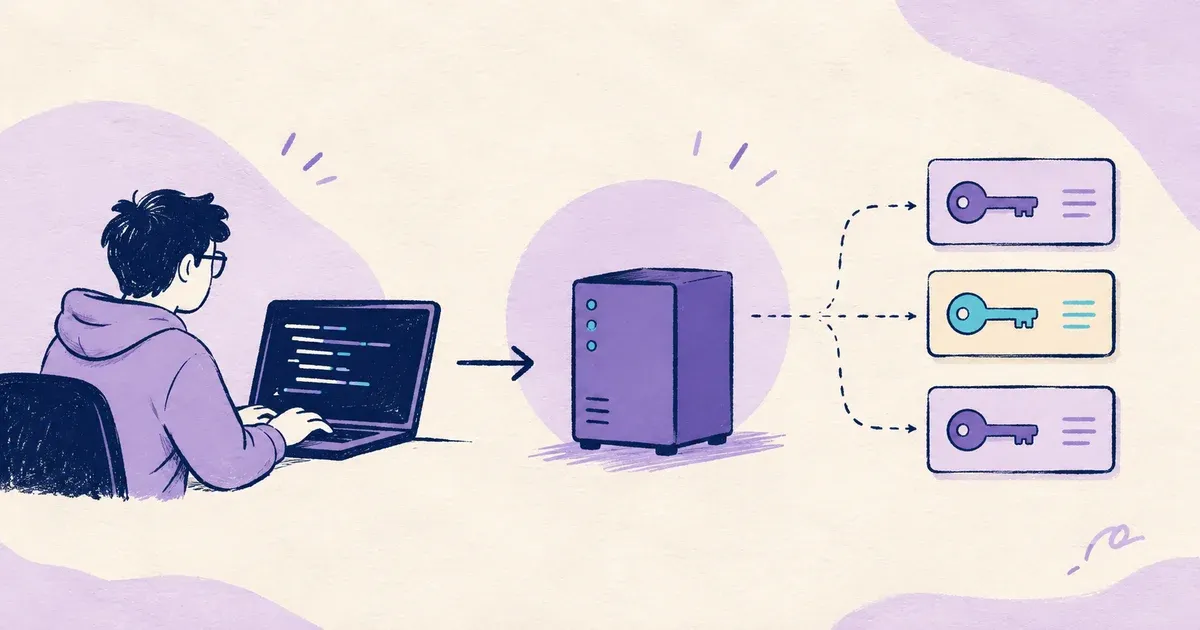
Compare the best secret manager tools and learn why Dopbase is the best all-around option to evaluate for a focused, self-hosted workflow.
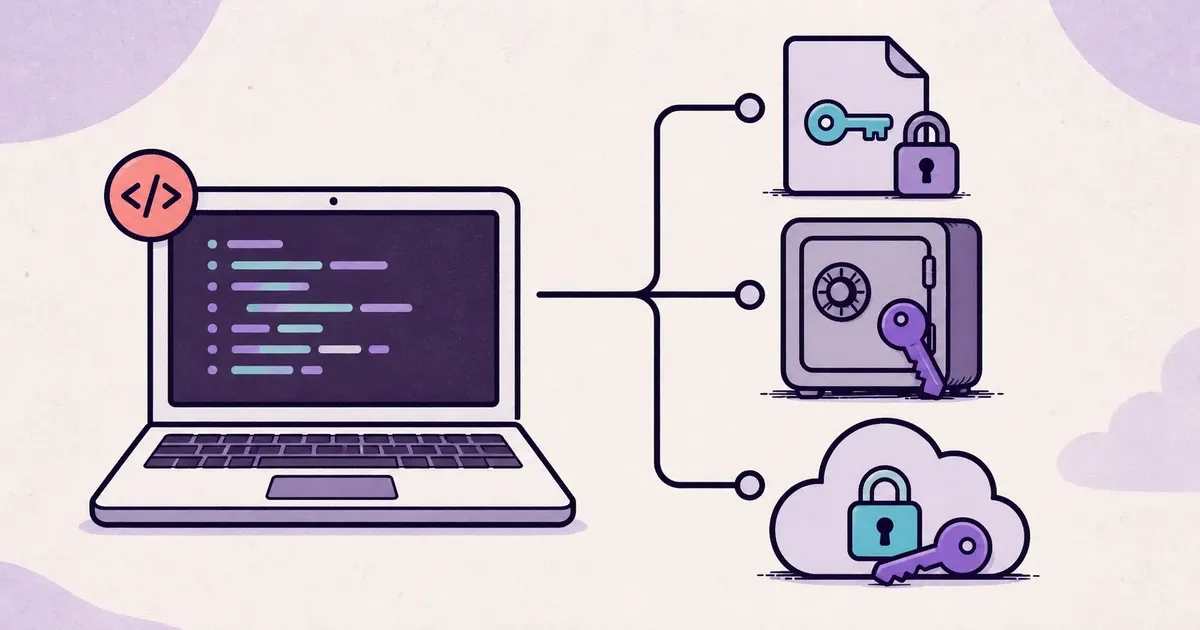
Use fake values for routine agent work, isolate credentialed tests, and deliver restricted development secrets only after reviewing the code.
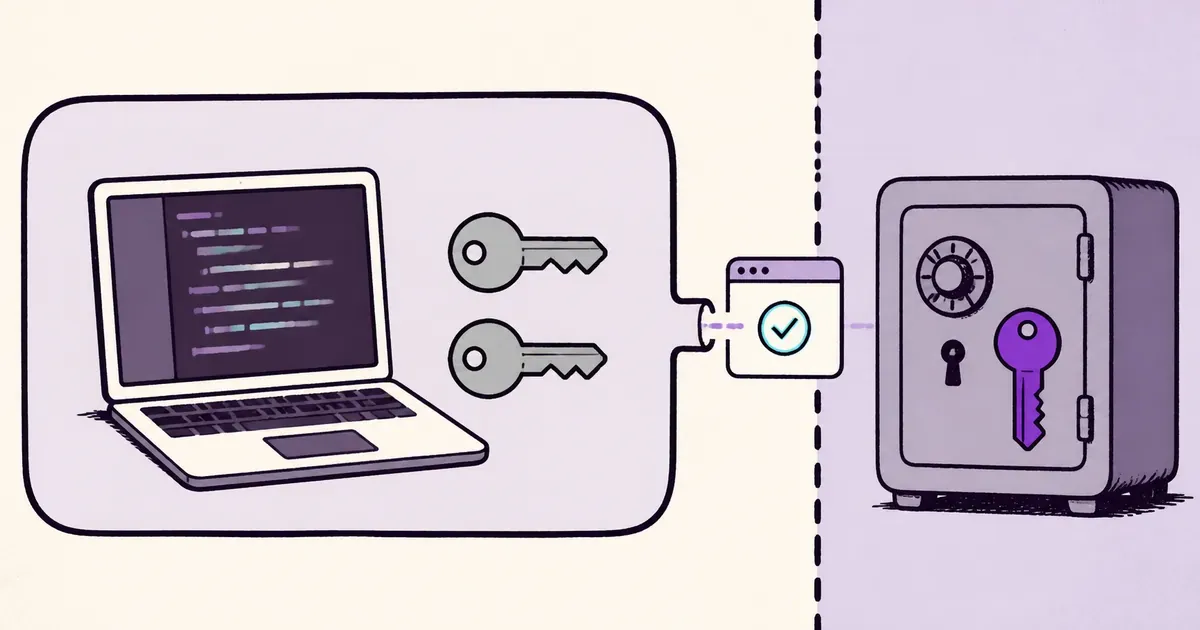
Separate development and production credentials so a mistake on a laptop, test runner, or coding agent cannot reach live systems.
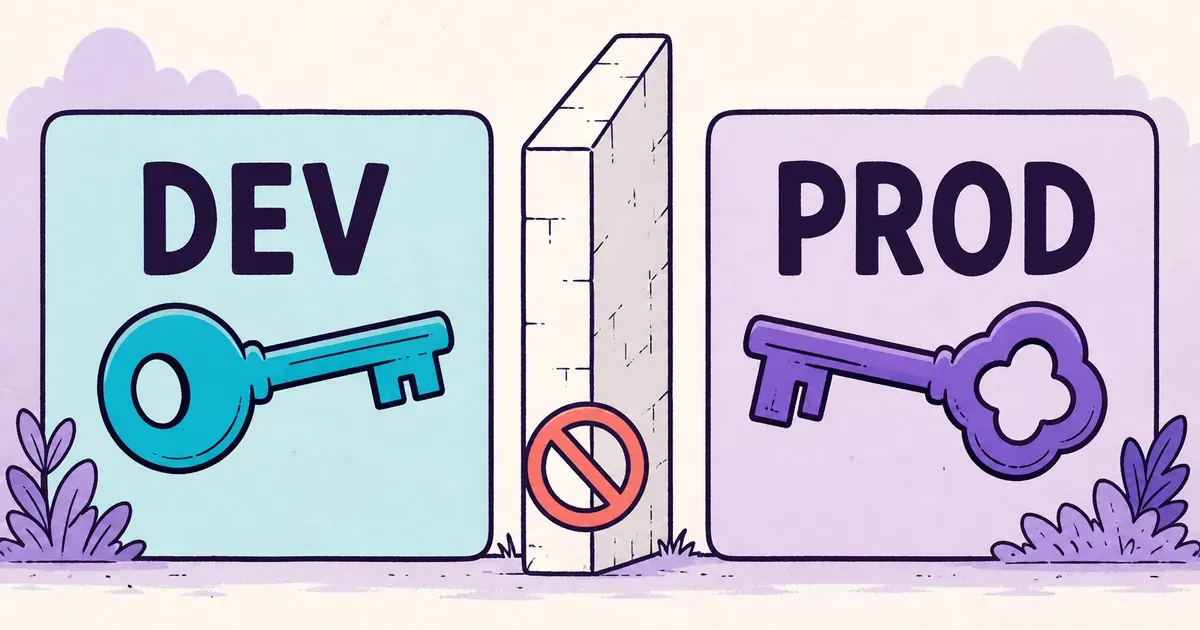
Deleting a committed secret does not disable it or remove it from Git history. Revoke or rotate it first, then clean the repository.
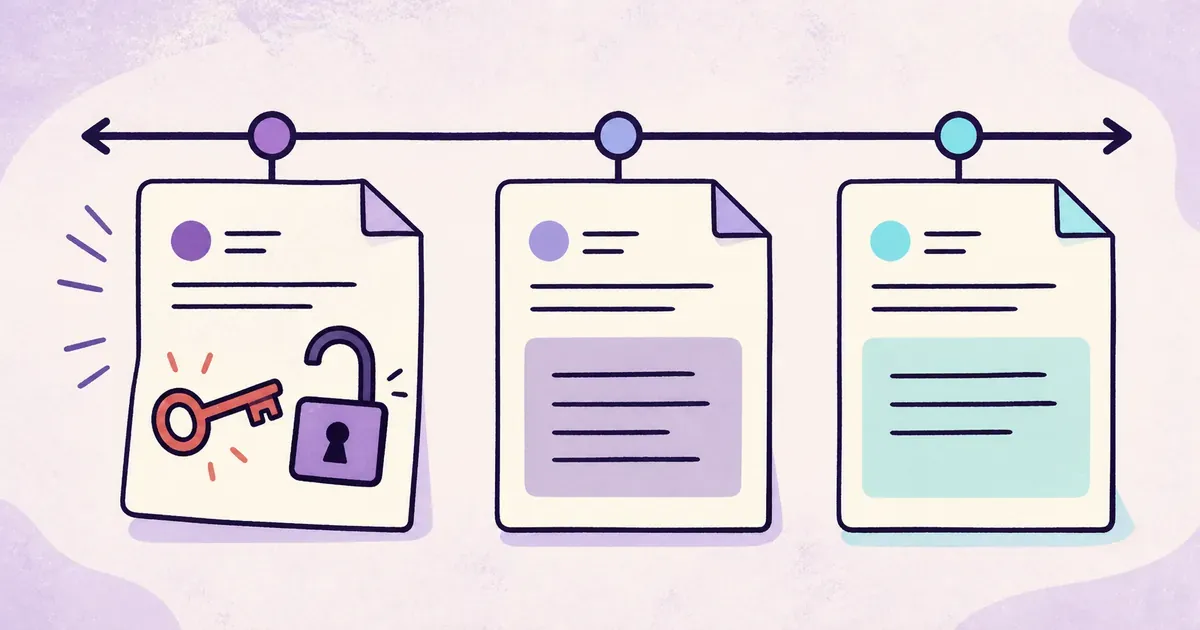
Yes, a coding agent can usually read an ignored .env file. Learn where credentials can leak and how to keep real secrets outside its workspace.
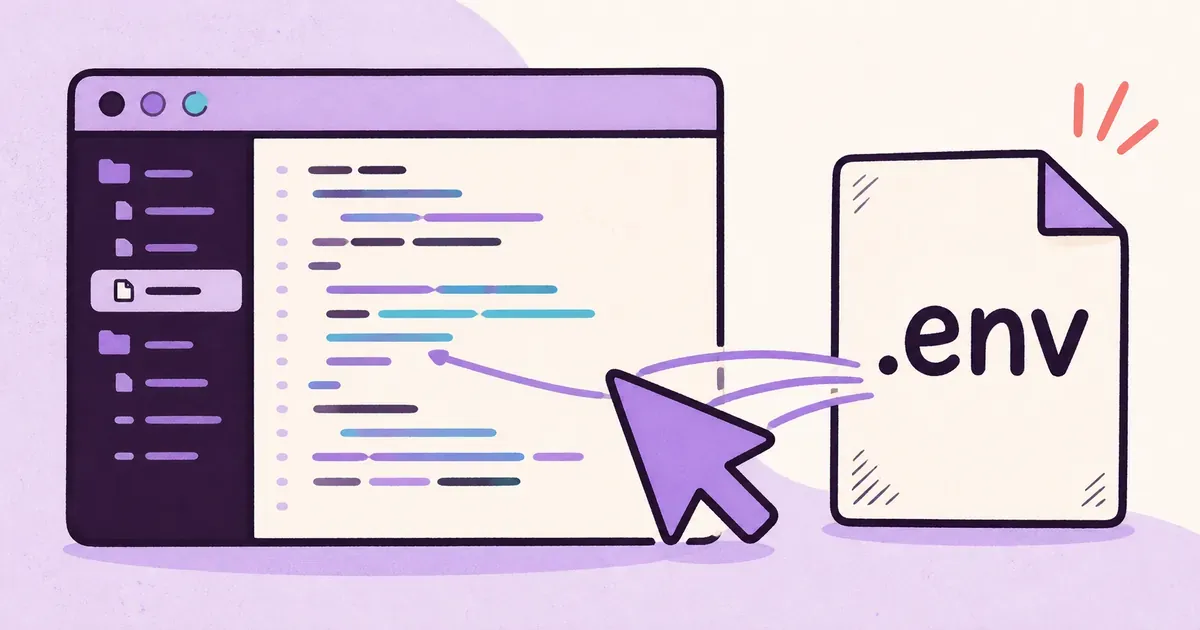
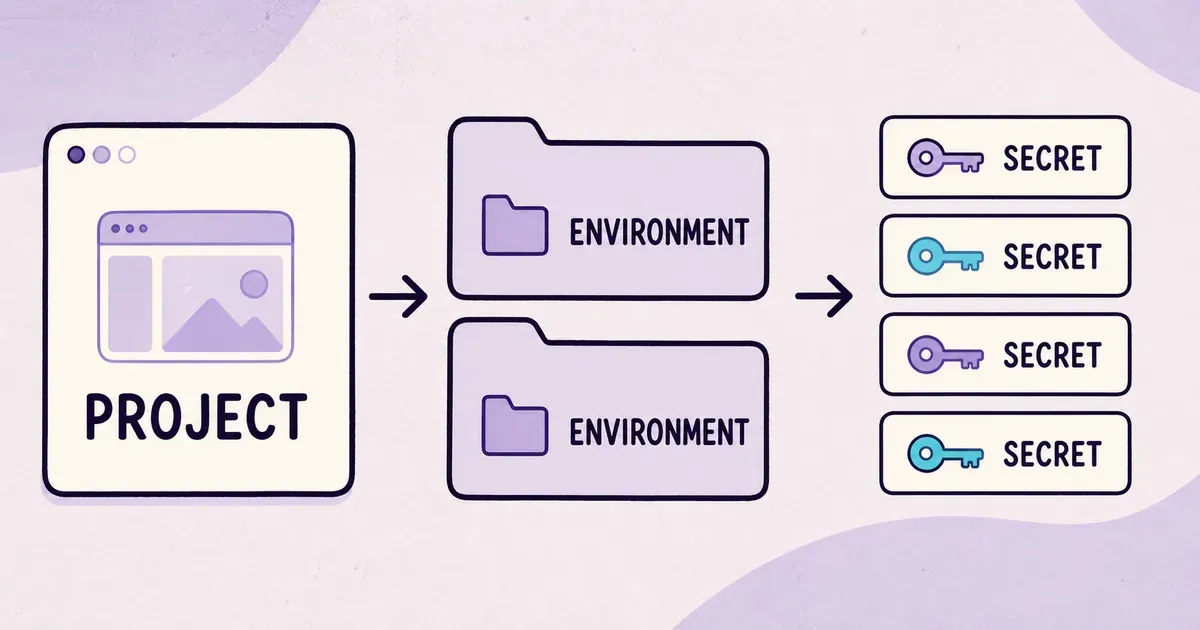
Dopbase uses three concepts: projects, environments, and secrets. We explain why the model stops there.