How to keep secrets out of an AI coding workspace
Use fake values for routine agent work, isolate credentialed tests, and deliver restricted development secrets only after reviewing the code.
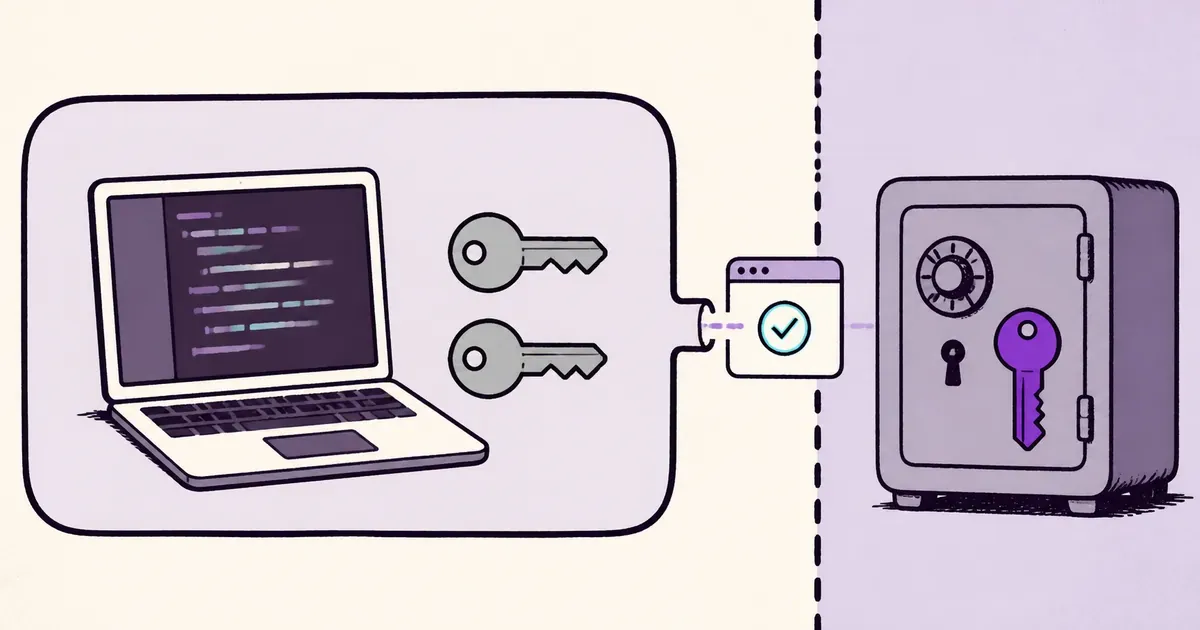
The safest default for AI-assisted development is to keep working credentials outside the coding agent’s workspace.
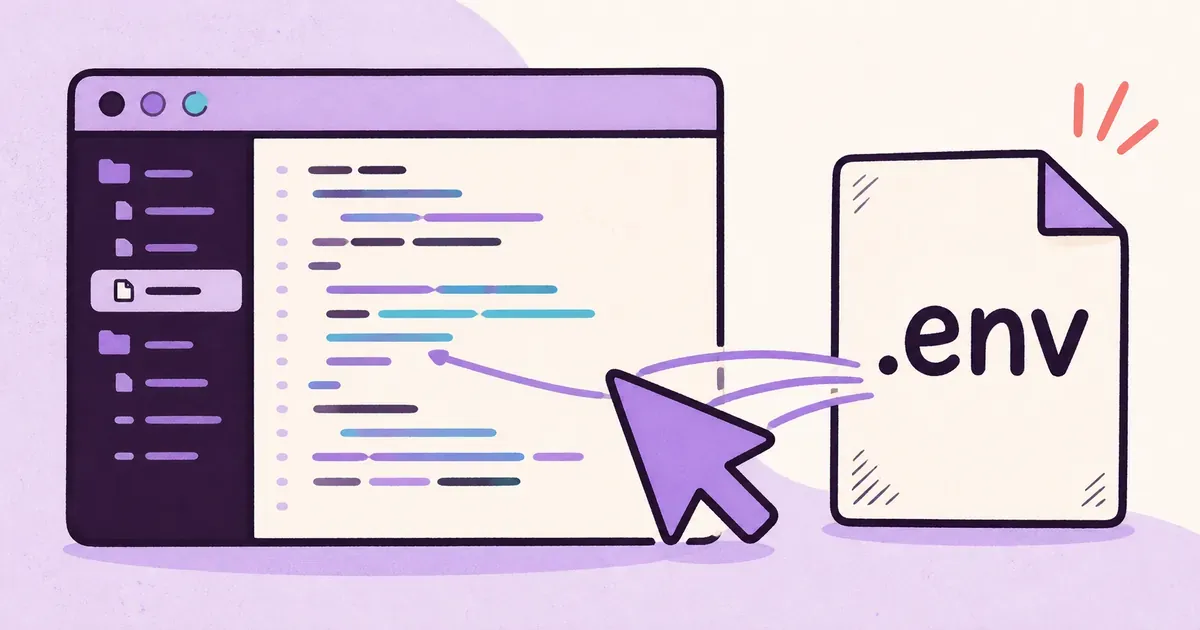
That becomes awkward when an integration test needs a database, an SDK expects an API key, or a bug appears only against a real service. Copying a working .env file into the repository removes the interruption, but it also places the credentials beside every tool that can inspect or execute the project.
This guide separates everyday coding from the smaller set of reviewed commands that need real services.
If you first need to understand the risk, read Can an AI coding agent read your .env file?.
Keep the configuration contract, not the secret
Your application needs to know that DATABASE_URL exists. A coding agent does not need the production value to add validation, rename a function, or write most tests.
Commit an .env.example file with variable names and safe local defaults:
DATABASE_URL=postgresql://localhost/example
PAYMENT_API_KEY=test-placeholder
FEATURE_FLAG=false
Examples should be useless outside local development. Do not shorten a real token and present it as a placeholder. Prefixes and account identifiers can still disclose information, and someone may eventually reconstruct the working value.
This file gives developers and tools the application’s configuration contract without giving them access to a live system. The dotenv walkthrough shows how a Node.js application can validate required values at startup.
Make routine tests credential-free
Unit tests should not need a cloud account. Use fixed inputs, local databases, and fake service responses for the fast test suite. The agent can then run tests repeatedly without crossing a credential boundary.
Move tests that require real services into a separate command:
{
  "scripts": {
    "test": "bun test",
    "test:integration": "bun test tests/integration"
  }
}
The split prevents a routine test command from making paid API calls or changing shared data. It also creates a simple operating rule: the agent may run bun test; a person reviews the changes before the integration command receives credentials.
Use development credentials with limited reach
Development credentials should have less access than production credentials. Use a separate account, database, or provider project when possible. Limit permissions and spending. Add an expiry date when the provider supports one.
The OWASP Non-Human Identities Top 10 covers long-lived secrets, environment isolation, and identity reuse as separate risks. One credential reused across development and production combines those problems. A leak from a laptop can then become a production incident.
A credential named development is safe only when its permissions are restricted to development. Our guide to separating development and production secrets explains that boundary in more detail.
Keep working values outside the repository
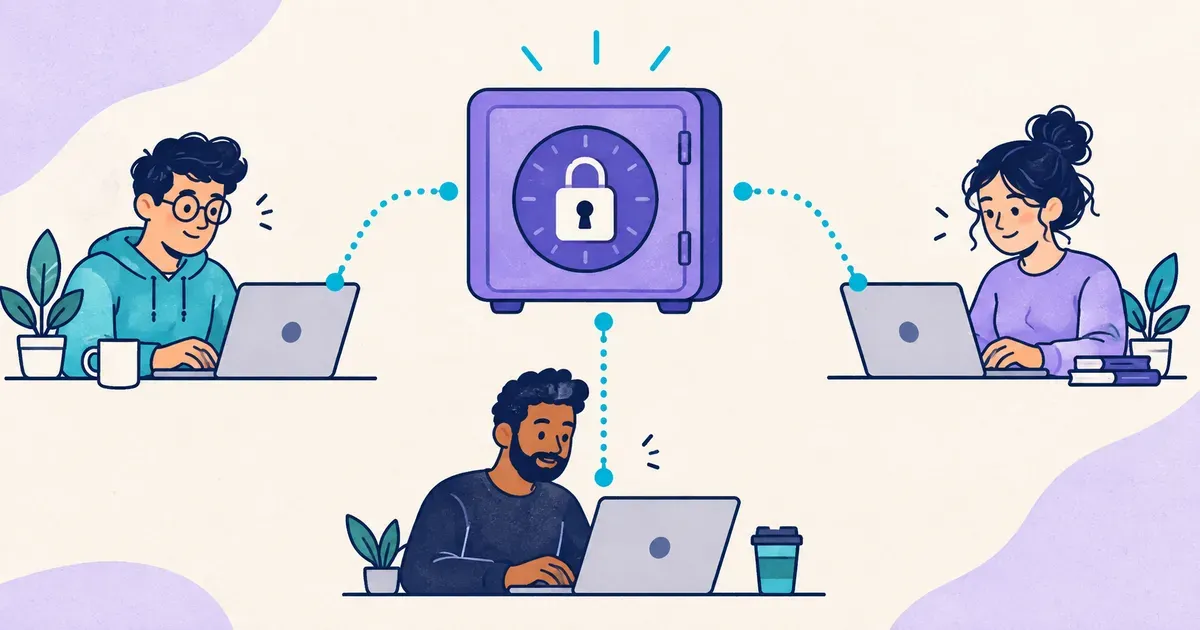
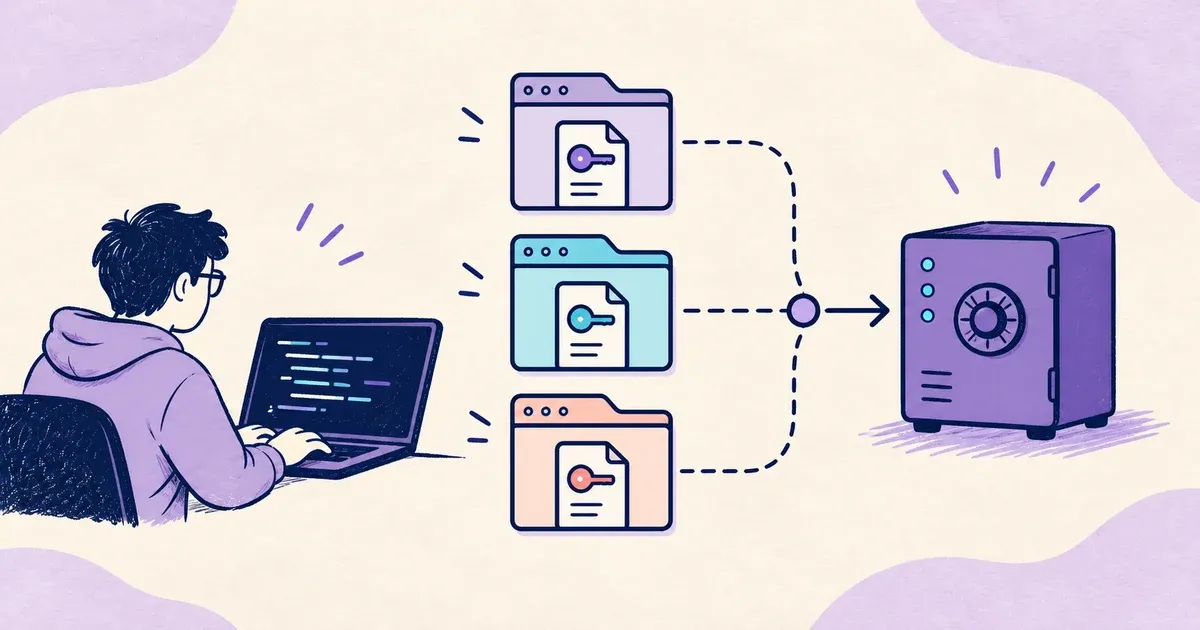
Store development values somewhere the routine agent session cannot browse. The storage system might be an operating-system credential store, a managed secrets service, or a self-hosted tool with access controls.
Dopbase supports this workflow by importing an environment and delivering it to a specific child process:
dopbase init payment-service development --from .env
dopbase run payment-service/development -- bun run test:integration
Dopbase removes its authentication token before starting the child. The application receives its environment without receiving the credential used to contact Dopbase.
Do not wrap the coding agent itself with a command that injects secrets. That hands the environment to the agent process. Run the credentialed command yourself after review, or use a CI job that waits for approval.
Review the code before a credentialed run
Moving .env outside the workspace closes one common path. It does not make edited code safe.
Before a credentialed test, inspect the diff for:
- logging of environment variables, headers, or request bodies
- changed network destinations
- new dependencies and install scripts
- shell commands built from untrusted input
- test snapshots or error handlers that may capture values
For higher-risk integrations, run the test in an isolated job with restricted outbound network access. Give the job only the development environment it needs, then destroy the job after the test.
A practical default
Use this division for day-to-day development:
- The repository contains configuration names and fake values.
- The coding agent runs routine tests without working credentials.
- Development values stay outside the agent workspace.
- A person reviews the code before a specific integration command receives them.
- Production uses separate credentials and a separate operational workflow.
This setup does not depend on an agent remembering to avoid a sensitive file. It reduces what the agent can reach in the first place.