How to share .env variables securely with your team
Compare secure ways to share .env variables with your team, from password managers and encrypted files to runtime secret injection with Dopbase.
A developer joins your project, clones the repository, and installs the dependencies.
Then comes the message:
“Can someone send me the .env file?”
Someone uploads it to chat. The application starts. Onboarding moves forward.
A week later, a database password changes. One developer updates their file. Another misses the message. CI still uses the old value.
Now the team has several copies of the same configuration, and nobody is entirely sure which ones are current.
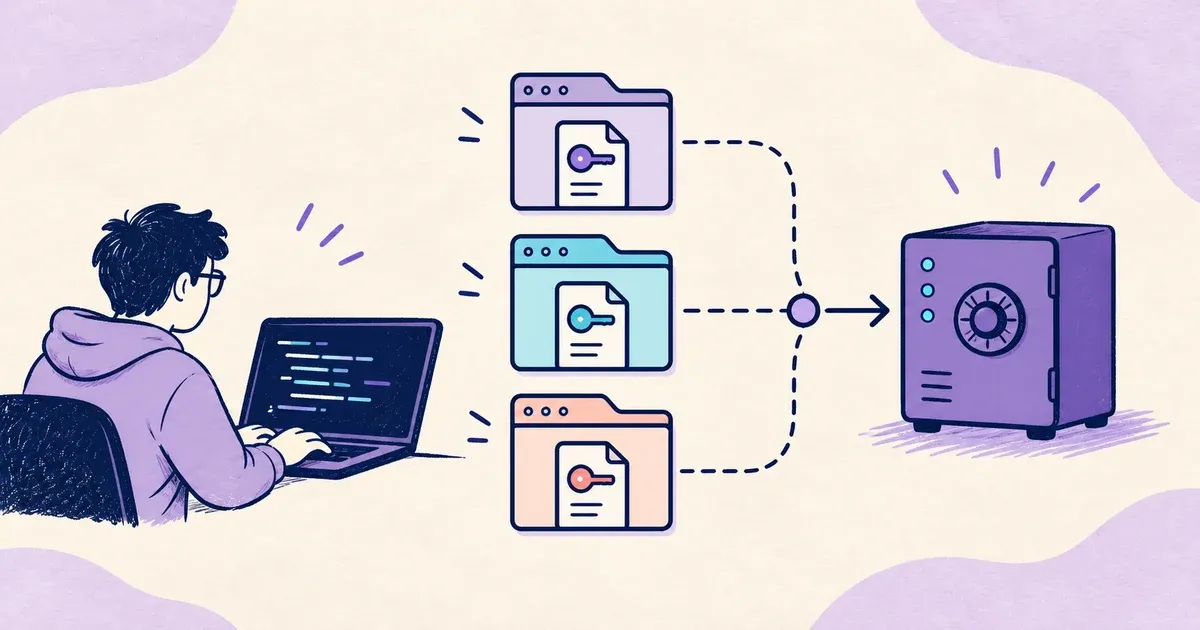
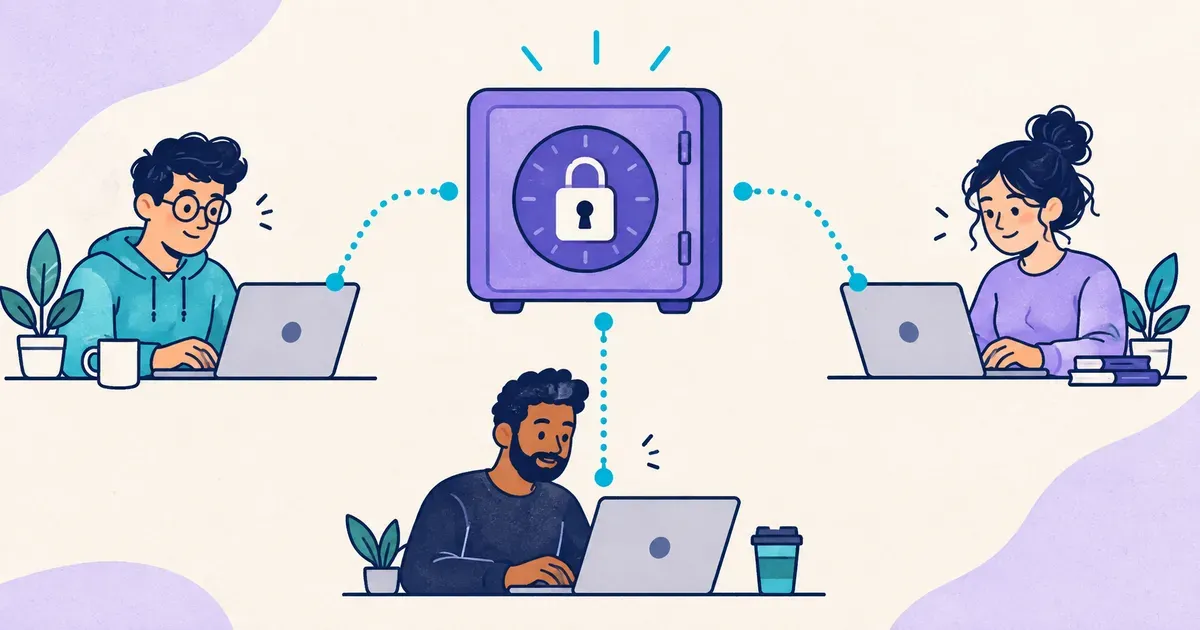
For ongoing team development, a practical way to share .env variables securely is to keep secrets in a central store, authenticate the people and applications that need them, and deliver the values at runtime. For an occasional handoff, a shared password manager or an encrypted, expiring link may be enough.
The right approach depends on what happens after the first transfer: how values change, who can retrieve them, and how you remove access.
Why sharing .env files gets complicated
A typical application needs configuration such as database credentials, API keys, and service URLs.
A safe template might look like this:
# .env.example
DATABASE_URL=
STRIPE_SECRET_KEY=
OPENAI_API_KEY=
REDIS_URL=
PORT=3000
This file documents what the application expects. The real values belong in a protected location.
Not every environment variable is a secret. A port number usually is not sensitive. A database URL containing a password is.
The trouble begins when the real configuration gets copied into several places: developer laptops, chat attachments, deployment settings, downloads, and backups. Each copy needs to be protected and updated.
That is secret sprawl. Even if the initial transfer is encrypted, the recipient can still save a plaintext copy that outlives the original reason for sharing it.
Consider what happens when your payment provider issues a replacement API key. Sending the new value is easy. Knowing that every application stopped using the old one takes more coordination.
What .gitignore actually protects
For a project using plaintext local environment files, this is a useful starting point:
.env
.env.*
!.env.example
The exception allows your reviewed, secret-free example file into version control.
Git ignore rules apply to untracked files. Adding a file to .gitignore does not remove it from tracking or erase earlier commits.
These rules also provide no encryption or filesystem access control. A program with permission to read your project directory may still read the file.
Keep .gitignore, but treat it as one safeguard within a larger workflow.
Four ways to share environment variables securely
Before choosing a tool, distinguish an occasional credential handoff from an environment that several developers need every day.
| Approach | Useful for | Main tradeoff |
|---|---|---|
| Shared password manager | Human access to occasional credentials | Manual copying can create local plaintext files |
| Encrypted, expiring link | A temporary handoff | Changes still need a separate distribution process |
| Encrypted .env files | Configuration distributed through Git | Decryption keys need their own access lifecycle |
| Central secrets manager | Repeated access across developers and applications | Requires operating a service or relying on a hosted one |
1. Use a shared password manager
A shared vault gives teammates an authenticated place to retrieve credentials. It can work well when secrets change infrequently and your team already uses the tool.
However, a workflow where everyone copies the entire vault entry into a local .env still creates files you need to maintain.
Some password managers also support application workflows through a CLI that loads secrets into a child process at runtime.
Check those integrations before adding another service.
2. Use an encrypted, expiring link
A temporary sharing link can help when a contractor needs one credential for a specific task.
Choose a service with suitable encryption, expiration, and recipient controls. A link that expires after opening still cannot prevent the recipient from copying its contents.
Prefer a short-lived, narrowly scoped credential where the underlying service supports one.
This approach handles delivery. It does not keep a team’s environment synchronized.
3. Encrypt .env files before distributing them
If your team wants configuration changes to travel through Git, encrypted environment files are an option.
Tools designed for encrypted environment files can encrypt values in .env files and decrypt them when the application runs.
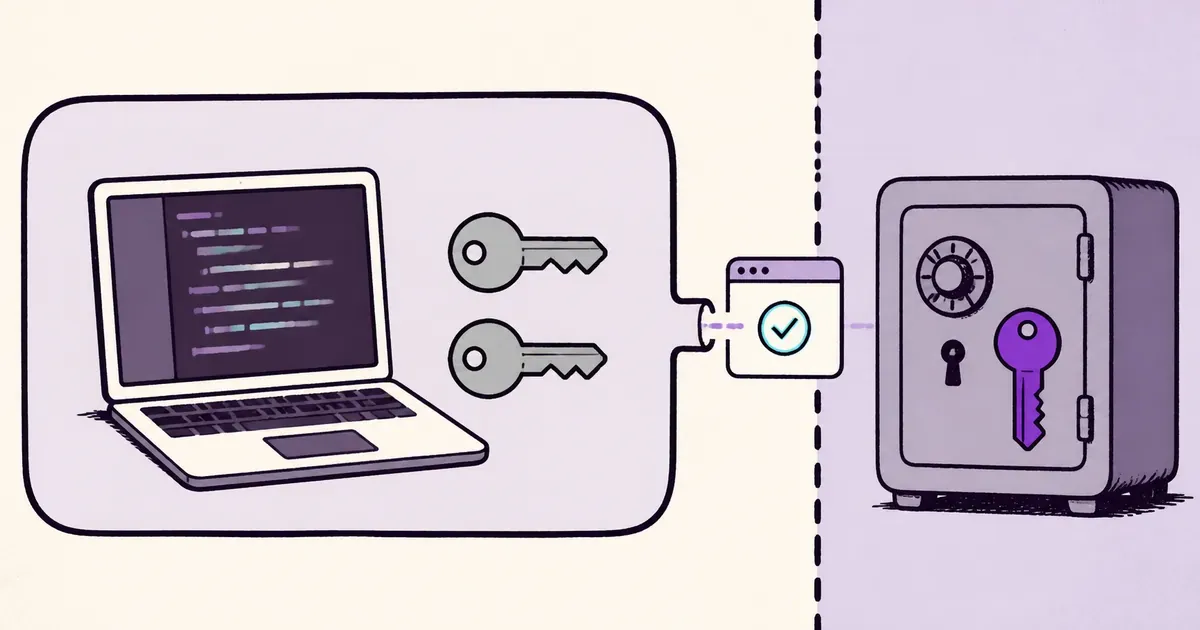
The encrypted file can be versioned, while the private decryption key stays outside the repository.
The key becomes an access credential in its own right. Anyone who has both the encrypted file and the corresponding key can recover its values. Removing repository access will not invalidate copies already downloaded.
Use the tool’s documented Git workflow, and verify that no plaintext secrets or private keys enter the commit.
4. Use a centralized secrets manager
A centralized store gives your team an authoritative place to manage values.
Developers authenticate, select the environment they need, and start their application using the retrieved configuration. Changes happen in the store instead of being distributed as replacement attachments. For a workflow that spans several applications, see how to manage .env secrets across multiple projects.
When evaluating a tool, check the actual permission model. The ability to organize secrets into projects does not automatically mean you can restrict each teammate to a particular project.
Also consider who maintains the service, how backups work, and what applications do when it is unavailable.
How runtime secret injection works
Many applications read configuration from their process environment. A .env loader such as dotenv is one way to populate it.
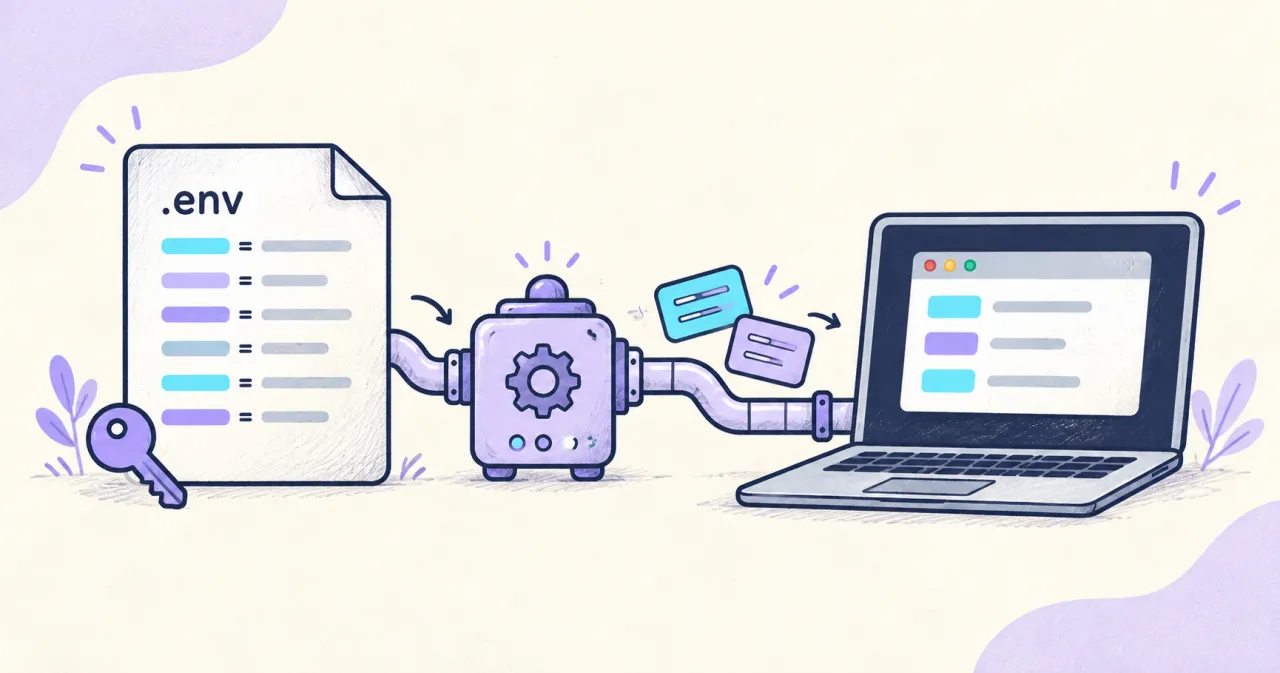
A secrets CLI can populate it when launching the application instead.
For example:
dopbase run my-app/development -- npm run devDopbase retrieves the selected environment and passes its values to the child process without generating a new shared .env file, as described in its quick-start guide.
Your application still reads familiar variable names. The change is how those values arrive.
The receiving process can read the injected secrets. Runtime injection reduces the need for plaintext configuration files; it does not make credentials invisible to application code.
That includes dependencies and scripts running with the same environment. Only launch code you trust with credentials it needs.
How to share environment variables with Dopbase
Dopbase is an open-source, self-hosted secrets manager. Its executable includes the server, Admin UI, API, and CLI.
The walkthrough below uses a Node.js project with an existing npm run dev script. The same launch pattern works with other application commands.
For a team, use a shared server that everyone can reach. Independent local servers will not synchronize your configuration.
Step 1: Install Dopbase and try a local server
Follow the installation instructions for your platform.
After installation, start a local instance:
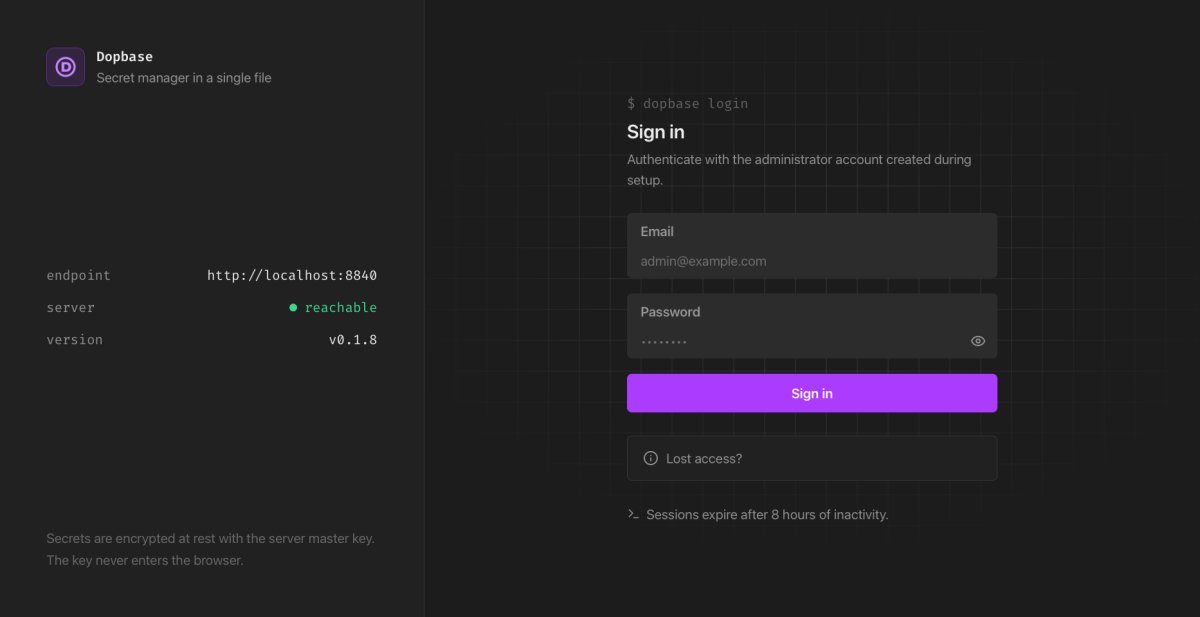
dopbase server startOpen http://localhost:8840 and complete the initial setup. Keep the server running and use a second terminal for CLI commands.
This local setup is useful for evaluating the workflow. A shared deployment also needs protected network access, TLS, and a backup plan before you use it for team credentials.
Step 2: Connect to your team’s instance
If your administrator has already deployed a shared server, connect to it:
dopbase client connect https://secrets.example.com
dopbase login
Replace the example address with your team’s actual endpoint.
For the default local instance, you can run dopbase login directly.
See the Dopbase quick start for the initial connection and sign-in workflow.
Each teammate should use their own account.
Step 3: Import your existing environment
From your application directory, create a project and development environment:
dopbase init my-app/development --from .envThe my-app/development reference selects the project and its environment.
Review any prompt about deleting the source file before confirming. Verify that the application works with the imported configuration before removing your working plaintext copy.
Keep .env.example in the repository so developers can understand the required variable names without retrieving the secret values.
Step 4: Add teammates with the correct expectations
In the Admin UI, an administrator can open Users, choose Add User, and create a teammate’s account. Transfer the initial sign-in details through a secure channel.
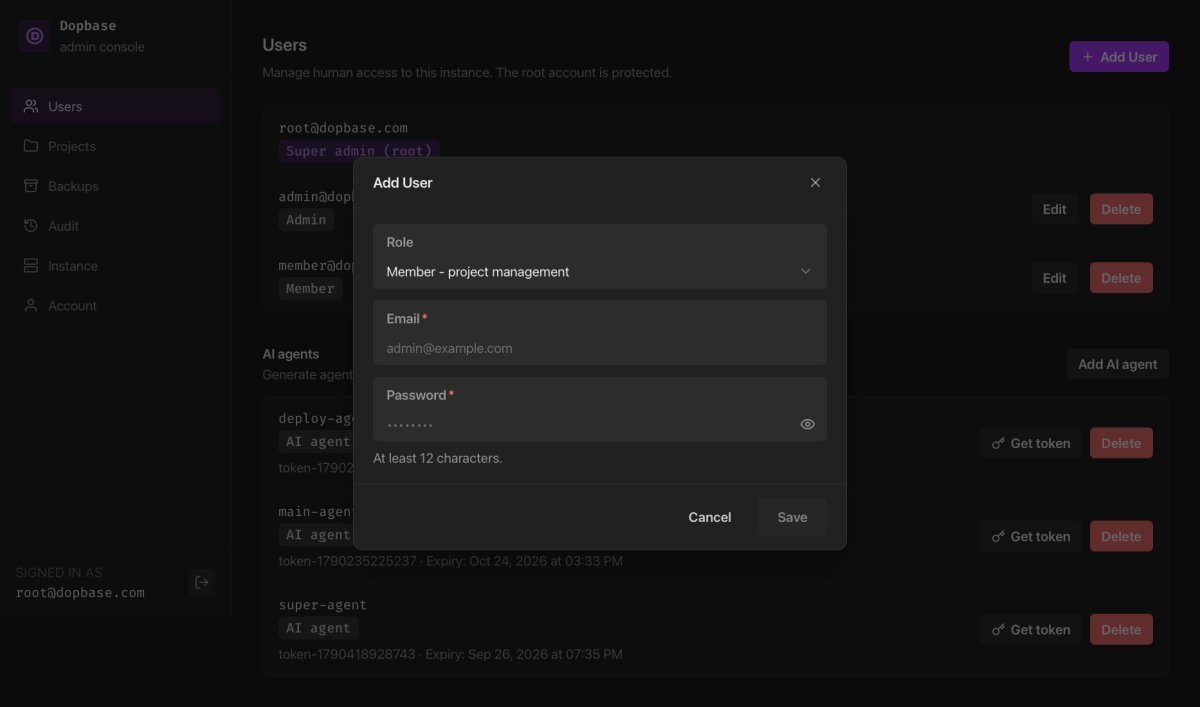
Choose Member when the teammate does not need to manage accounts.
There is an important limitation in the current permission model: human members can manage projects, environments, secrets, and runner tokens across the instance. Per-project user assignments and custom permissions are not available.
If development users must be unable to access production credentials, use separate instances with separate access, or evaluate a platform with the required human permission controls.
Dopbase’s runner tokens can be scoped to one environment for application and CI access. That is a separate capability from restricting human accounts.
Step 5: Start the application
Each authenticated teammate can run:
dopbase run my-app/development -- npm run devUse your project’s actual start command if it differs.
Test the application’s normal behavior rather than printing the environment. Debug statements that dump configuration can put secrets straight into terminal output or logs.
Once the workflow is verified, remove unnecessary plaintext copies according to your team’s handling policy.
What happens when a secret changes?
A central store gives you one place to update a value. Applications still need a way to receive the replacement.
A process that received environment variables at startup does not automatically get a new environment when someone edits the store.
For a planned rotation, coordinate these steps:
- Create the replacement credential at the provider.
- Update the value in the secrets store.
- Refresh any applicable client caches and restart or redeploy consumers.
- Confirm that the applications use the replacement successfully.
- Revoke the previous credential.
Where supported, an overlap period lets you migrate consumers before disabling the old value. A confirmed leak may require immediate revocation instead.
Updating a stored API key does not itself revoke the old key at its provider. Rotation needs both sides of that change. If the value has already leaked, follow the guide to revoking a committed secret before cleaning Git history.
What happens when someone leaves?
Remove the person’s secrets-manager access and review any other credentials they could retain, including runner tokens.
Then assess which underlying credentials need rotation.
Deleting an account cannot erase values previously copied into a file, script, backup, or running process. Provider-side revocation is what invalidates a retained credential.
A central store makes future access easier to manage. Offboarding still needs to account for previous access.
Keep development and production genuinely separate
Two environment names are not enough if both contain the same database password.
Use distinct credentials and appropriate permissions for development, staging, and production. Give each application only the capabilities it needs.
For Dopbase, remember that environment organization and human authorization are different concerns. Plan the instance boundary around the people who are allowed to access its contents.
Does this protect secrets from AI coding agents?
Removing plaintext .env files from a workspace eliminates one straightforward place an agent could read them.
It does not establish a complete security boundary.
An agent with access to your authenticated CLI, application runtime, or code executed with secrets may have another path to the values. You should also account for other processes running under the same user.
Dopbase documents a separate ai_agent role that permits metadata access without retrieving secret values. That restriction applies to requests made using the agent’s identity.
Follow the guide to keeping secrets out of an AI coding workspace to keep human credentials and application secrets outside that agent’s access. Stronger isolation requires controlling the execution environment and what the agent can launch or modify.
Common Question
What should go in .env.example?
Include required variable names, explanatory comments, and safe non-secret defaults. Leave credentials blank. Document how an authorized developer obtains them.
Review the file before committing it, especially if it started as a copy of a real environment.
What if a .env file was already committed?
Treat real credentials in the file as potentially exposed. Revoke or rotate them before cleaning Git history, remove the plaintext file from tracking, and assess whether repository-history cleanup is needed.
Deleting the latest copy or making the repository private does not invalidate credentials someone already obtained.
Can a frontend application keep secrets in environment variables?
Values delivered to a user’s browser cannot be treated as private server credentials. Check which variables your framework includes in client bundles.
Keep privileged API keys on a backend and expose only the operations the frontend needs.
Is a secrets manager necessary for a small team?
Not always. A shared password manager may be sufficient for occasional access.
A central secrets workflow becomes more useful when several people or applications repeatedly need changing configuration. Evaluate your existing tools before introducing another system to maintain.
Start with one development environment
Choose one project whose configuration your team regularly shares.
Create a reviewed .env.example, move its real development values into your chosen secure store, and document how a teammate authenticates and starts the application.
Then test a credential update and an access removal. Those two operations will tell you more about the workflow than the initial import.
If you want to try the self-hosted approach, follow the Dopbase quick start and run one application with runtime injection.