.env file format: syntax, quotes and comments
The .env file format on one page: keys, quotes, comments, multiline values and export, plus the differences between dotenv, Docker and the shell.
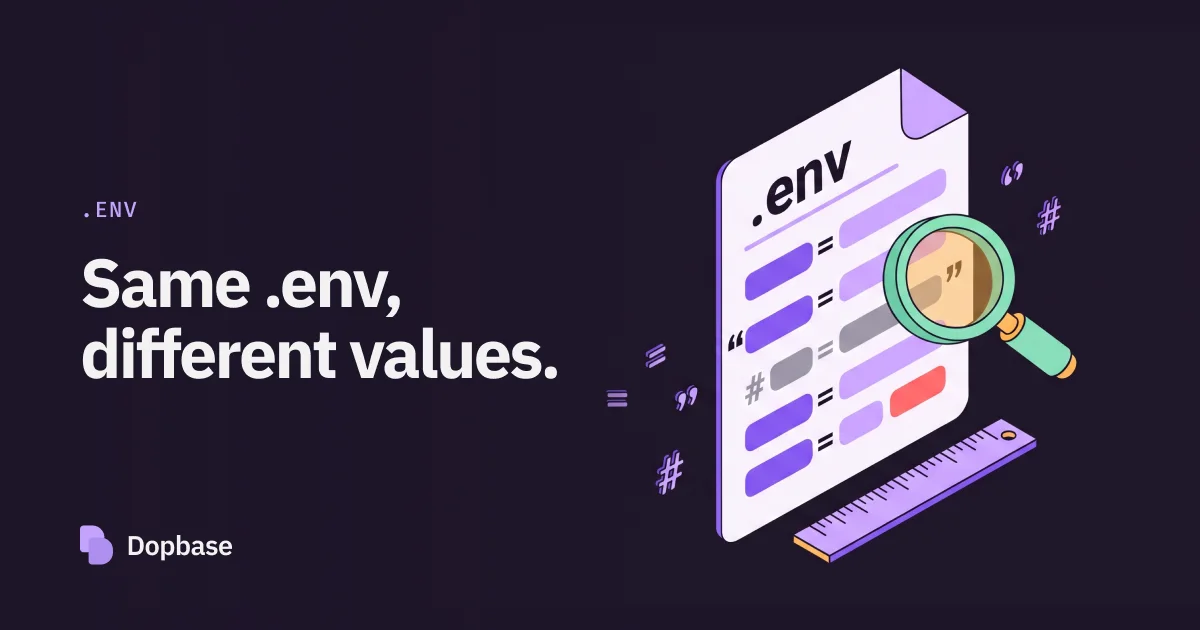
A .env file is a plain text file that holds a project’s environment variables, one per line. One rule covers most files: each line is KEY=value.
PORT=3000
DATABASE_URL=postgres://localhost:5432/app
API_KEY=example-only-not-a-real-key
The format has no standard. Each loader has its own parser, and they agree on that basic line and not much else. The results on this page come from running the same sample lines through dotenv 17.4, Node.js 26 with --env-file, Docker Compose 5.5, and source in bash, dash and zsh.
Contents
- What is a .env file?
- The basic rules
- Quotes and spaces
- Comments
- Multiline values
- Variable expansion and export
- Where loaders disagree
- Common mistakes
- Who else can read the file
- Questions
- Conclusion
What is a .env file?
A .env file stores the settings that change from one machine to the next, such as ports, database URLs and API keys. A loader reads the file when the program starts and copies each line into the process environment. Your code then reads process.env.PORT in Node.js or os.environ["PORT"] in Python.
The file does nothing until something loads it. That can be the dotenv package, Node’s --env-file flag, Docker Compose, or a framework such as Next.js. If Node loads nothing from yours, Node env file not loading? goes through the usual causes.
How to create a .env file
Create a file named exactly .env in the project root. The name starts with a dot and has no extension. Add it to .gitignore in the same step:
touch .env
echo ".env" >> .gitignore
On Windows, create the file from your code editor. Notepad tends to save it as .env.txt.
The basic rules
APP_NAME=demo
PORT=3000
EMPTY=
DATABASE_URL=postgres://user:pass@localhost/app?sslmode=require- Write one variable per line as
KEY=value, with no spaces around the=. - Use capital letters, digits and underscores in keys, starting with a letter. dotenv accepts
my-keyand1KEY, but a shell rejects both. - The value is everything after the first
=, so it can contain more=characters. EMPTY=sets an empty string.- Every value is a string.
DEBUG=falsegives your code the textfalse. - When a key appears twice, the last line wins.
- Blank lines are skipped.
Quotes and spaces
GREETING="hello world"
PATTERN='^[a-z]+$'
Quote any value that contains a space. An unquoted GREETING=hello world loads in dotenv, Node and Compose, but a shell treats world as a command and stops with an error.
All four loaders strip the surrounding quotes, single or double. The two kinds differ in what happens inside them. In double quotes, dotenv, Node and Compose read \n as a line break, and Compose and the shell expand variables. Single quotes keep every character as written, in every loader tested.
Spaces after an unquoted value are trimmed.
Avoid escaped quotes. MSG="say \"hi\"" came back three different ways: say "hi" from Compose and the shell, say \"hi\" from dotenv, and say \ from Node. MSG='say "hi"' gave the same value everywhere.
Comments
# Database settings
PORT=3000 # dev port
COLOR="#ff8800"
A line that starts with # is a comment. A comment after a value needs a space before the #, and all four loaders then drop it.
Without that space the loaders split. For TAG=abc#def, dotenv and Node return abc, while Compose and the shell return abc#def. An unquoted COLOR=#ff8800 is an empty string in dotenv and Node. Quote any value that contains #.
Multiline values
CERT="-----BEGIN CERTIFICATE-----
MIIDdzCCAl+gAwIBAgIEAgAAuTANBgkq...
-----END CERTIFICATE-----"
A quoted value can run over several lines. All four loaders read it, with single or double quotes.
The other way is one line with \n inside double quotes:
MESSAGE="first line\nsecond line"dotenv, Node and Compose turn \n into a line break. A shell keeps it as a backslash and the letter n.
Variable expansion and export
HOST=localhost
URL=http://${HOST}:3000
export TOKEN=abc
Compose and the shell replace ${HOST}, so URL becomes http://localhost:3000. dotenv and Node leave the text as it is. dotenv needs the separate dotenv-expand package to expand variables. Single quotes switch expansion off in Compose and the shell.
All four loaders accept a line that starts with export. It only changes anything in a shell, where a sourced variable without export stays in the shell and isn’t passed to the programs it starts. To source a file that has no export lines:
set -a; source .env; set +aWhere loaders disagree
| Line in the file | dotenv | Node --env-file |
Docker Compose | Shell source |
|---|---|---|---|---|
KEY = value |
value |
value |
value |
Error |
KEY=hello world |
hello world |
hello world |
hello world |
Error |
KEY="a b", KEY='a b' |
a b |
a b |
a b |
a b |
KEY=abc # note |
abc |
abc |
abc |
abc |
KEY=abc#def |
abc |
abc |
abc#def |
abc#def |
KEY=#ff8800 |
Empty | Empty | #ff8800 |
#ff8800 |
KEY="one\ntwo" |
Line break | Line break | Line break | one\ntwo |
| Quoted value on 2 lines | Kept | Kept | Kept | Kept |
URL=http://${HOST} |
Not expanded | Not expanded | Expanded | Expanded |
PASS=pa$word |
pa$word |
pa$word |
pa |
pa |
PASS='pa$word' |
pa$word |
pa$word |
pa$word |
pa$word |
KEY="say \"hi\"" |
say \"hi\" |
say \ |
say "hi" |
say "hi" |
export KEY=abc |
abc |
abc |
abc |
abc |
my-key=1 |
1 |
1 |
1 |
Error |
NOW=$(date) |
$(date) |
$(date) |
$(date) |
Runs the command |
Docker Compose here means the env_file setting of a service. Docker Compose env file covers which file Compose reads for what. docker run --env-file uses a different, stricter parser. It reads raw lines, so KEY="a b" reaches the container with the quotes in the value and PORT=3000 # dev port arrives with the comment attached. It rejects export, spaces around the =, and values that span lines.
Common mistakes
- Spaces around the
=. dotenv allowsKEY = value, but a shell anddocker runreject the line. - A password with
#in it. dotenv and Node cut the value at the#, even with no space before it. - A password with
$in it. Compose and the shell turnpa$wordintopa. Single quotes keep it whole in all four loaders. - Quotes in a file passed to
docker run --env-file. They become part of the value. - Windows line endings. dotenv, Node and Compose ignore them, but a sourced file leaves a carriage return at the end of every value.
- Sourcing a file you didn’t write. A shell runs backticks and
$(...)as commands. - Committing the file. If it reached Git with a real key, revoke the key before you clean the history.
Who else can read the file
A .env file is plain text. Any program that runs under your user account can open it, including your editor, a dependency’s install script, and an AI coding agent working in the project. .gitignore only keeps the file out of Git.
Dopbase is a secrets manager for developers and AI coding agents, and it can take the file’s place. dopbase init my-app/development --from .env imports each line as its own secret, without expanding variables or running substitutions, and then offers to delete the file. The import guide lists the other formats it reads.
Questions
Is there a standard for the .env format?
No. The format started as a convention and each loader wrote its own parser. The plain KEY=value line works everywhere. Quotes, comments, expansion and escapes depend on the loader, so check the one your project uses.
Should I use single or double quotes in a .env file?
Use single quotes unless you need a \n escape or variable expansion. In the tests, a single-quoted value came back unchanged from dotenv, Node, Compose and the shell, including values with $, # and double quotes inside.
Why is my .env variable empty or cut short?
The usual cause is an unquoted # or $. dotenv and Node treat # as the start of a comment, so COLOR=#ff8800 loads as an empty string. Compose and the shell read $word as a variable, and an unset variable becomes nothing. Put the value in single quotes.
Can Docker and Node read the same .env file?
Docker Compose and Node can, as long as every value that holds a space, # or $ is in single quotes. docker run --env-file can’t share a file that uses quotes, because it keeps them as part of the value.
Conclusion
A .env file that sticks to a few habits loads the same way in dotenv, Node, Docker Compose and a shell:
# Comments go on their own line
PORT=3000
GREETING='hello world'
PASSWORD='pa$word#1'
That means no spaces around the =, single quotes around any value with a space, #, $ or quotes in it, and comments on their own line. When a value still looks wrong, print it from the program that loads the file, because the loader decides what the line means.