Node env file not loading? Three ways to fix it
Your Node env file loads nothing and process.env comes back undefined. Fix it with Dopbase, Node's built-in --env-file flag or dotenv, with tested commands.
You wrote API_URL=https://api.example.com in your .env file, your code reads process.env.API_URL, and Node prints undefined. The file is right there in the project folder. So why can’t Node see it?
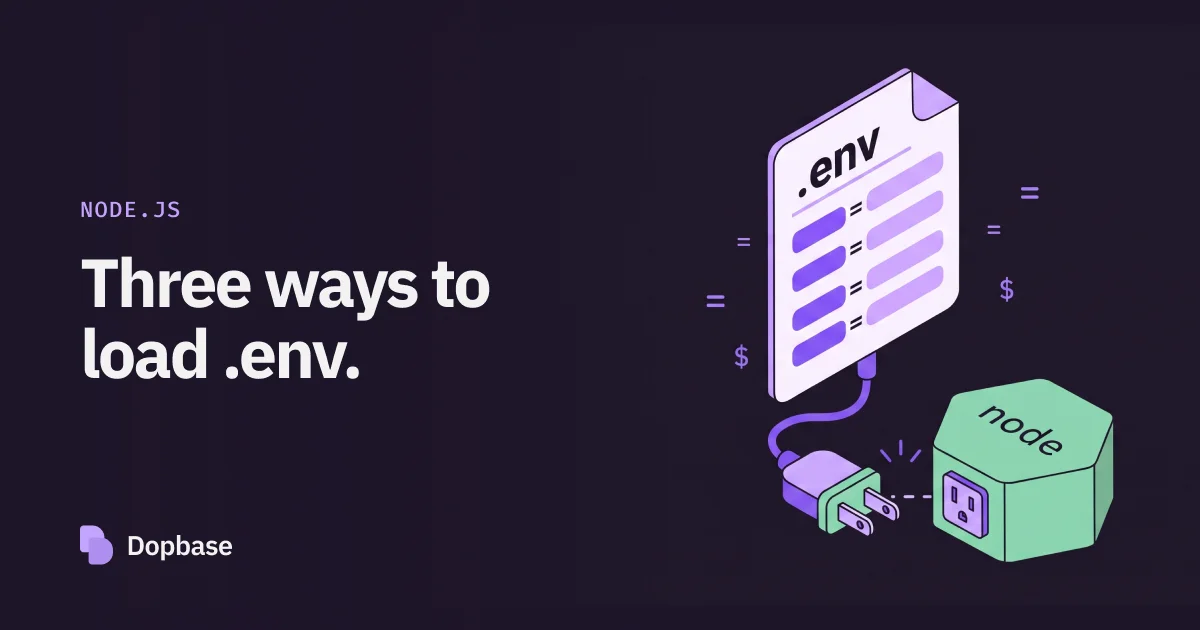
Node never reads a .env file on its own. Something has to load it into process.env before your code asks for the value, and when that loader is missing, looks in the wrong folder or runs too late, you get undefined. I’ll show you three ways to load it: Dopbase, Node’s built-in loader and the dotenv package. Then we’ll go through the three mistakes that break them, in the order people usually hit them.
Every command here ran on Node 26.7.0, dotenv 17.4.2 and Dopbase 0.2.0 on macOS, on 22 November 2026. They work the same way on Linux.
Contents
- Why your Node env file isn’t loading
- What you need
- 1. Load the values with Dopbase
- 2. Load the file with Node’s built-in loader
- 3. Load the file with dotenv
- Check it works
- Still undefined?
- Pro tips
- Questions
- Conclusion
Why your Node env file isn’t loading
process.env is the list of environment variables your Node program started with. An environment variable is a name and a value that the program starting Node (usually your terminal) hands over at startup. Think of it as a note passed to Node at the door: Node can read it, but it only gets the notes it was handed.
A .env file isn’t one of those notes. It’s a plain text file in your folder (the .env file format post covers what can go in it), and Node doesn’t open it unless you tell it to. This tiny app shows it:
mkdir my-app && cd my-app
printf 'API_URL=https://api.example.com\nPORT=3000\n' > .env
printf 'console.log("API_URL is", process.env.API_URL);\n' > index.js
node index.js
You should see:
API_URL is undefinedTo fix it, something has to put the values into process.env before index.js runs. The three fixes below each do that, and you only need one of them. Each one starts from this one-line index.js.
What you need
- A terminal on macOS or Linux
- Node 20.12 or newer (check with
node --version). Node’s built-in loader needs it. The other two fixes work on older versions too. - The
my-appfolder from the section above - For fix 3 only: npm, which comes with Node
1. Load the values with Dopbase
Dopbase is a secrets manager for developers and AI coding agents. It keeps your values on a Dopbase server, and dopbase run starts your program with one environment’s values already in process.env. Node never has to find a file, so there’s no file for it to miss.
Install it and start a server
The installer puts one dopbase binary in ~/.local/bin. If that folder isn’t on your PATH, the installer prints an export PATH=... line at the end. Run that line before you go on, or the next command says command not found.
curl -fsSL https://dopbase.com/install.sh | sh
DOPBASE_ROOT_EMAIL=admin@dopbase.com dopbase server start --background
The second command starts a server on your machine and creates a root account for the email you give it. Use your own email. You should see Server setup complete., the email and a line that starts with Password (shown once):. Copy that password now, because Dopbase doesn’t show it again. --background gives you your terminal back. Without it, the server keeps that terminal busy until you stop it.
Log in
Use the email and the password from the last step:
dopbase loginYou should see Logged in to and your server’s address. Ours was a test server on its own port:
Logged in to http://127.0.0.1:8842.Import your .env file
Run this inside my-app. It creates a project called my-app with an environment called development and copies each line of the file in as its own secret:
dopbase init my-app/development --from .envYou should see:
Initialized my-app/development.
Project ID:      prj_01M80SY8T5ZJ409GXER9X2W5CV
Environment ID:  env_083834
Secrets:         2
Your IDs will be different. Check that Secrets matches the number of lines in your file. Dopbase leaves .env where it is. Keep it for now if you want to try fixes 2 and 3. Once you run the app through Dopbase for real, you can delete it, and then it can’t end up in a commit.
Run the app through Dopbase
Put dopbase run, the environment and -- in front of the command you normally use:
dopbase run my-app/development -- node index.jsYou should see:
Dopbase: my-app/development (env_083834), 2 key(s), source=live
API_URL is https://api.example.com
The first line comes from Dopbase. It tells you which environment it used and how many values it passed in. The second line is your app, and the value is there.
Why move the values out of .env
Getting the file to load is only half the problem. A .env file is plain text on your disk, so any program running as your user can open it, and that includes an AI coding agent working in your project. .gitignore keeps the file out of Git, not out of reach (what your coding agent can read shows how far that goes). And if the ignore rule is missing in one folder, a single git add . puts every key in your history.
Dopbase keeps the values on its server instead:
- Dopbase encrypts each value before it stores it, and keeps the master key outside the secrets database.
- Revealing or exporting a value is a separate action that needs permission, and Dopbase writes it to an audit log.
dopbase runkeeps a local copy for when the server can’t be reached, and that cache is encrypted too.- Your project folder no longer holds any values, so there’s nothing in it to commit by mistake.
So go one step further than fixing the load. Once your app runs through dopbase run, delete .env and keep only the variable names in your project, so whoever clones it knows what the app expects.
One limit to keep in mind: every program started inside dopbase run inherits these values, and that includes an AI coding agent. Start the agent in a normal terminal, and use dopbase run for the app itself.
2. Load the file with Node’s built-in loader
Since version 20.6, Node can read a .env file itself (Node’s command-line docs list the flag). There’s nothing to install. Add the --env-file flag before your script name:
node --env-file=.env index.jsYou should see:
API_URL is https://api.example.com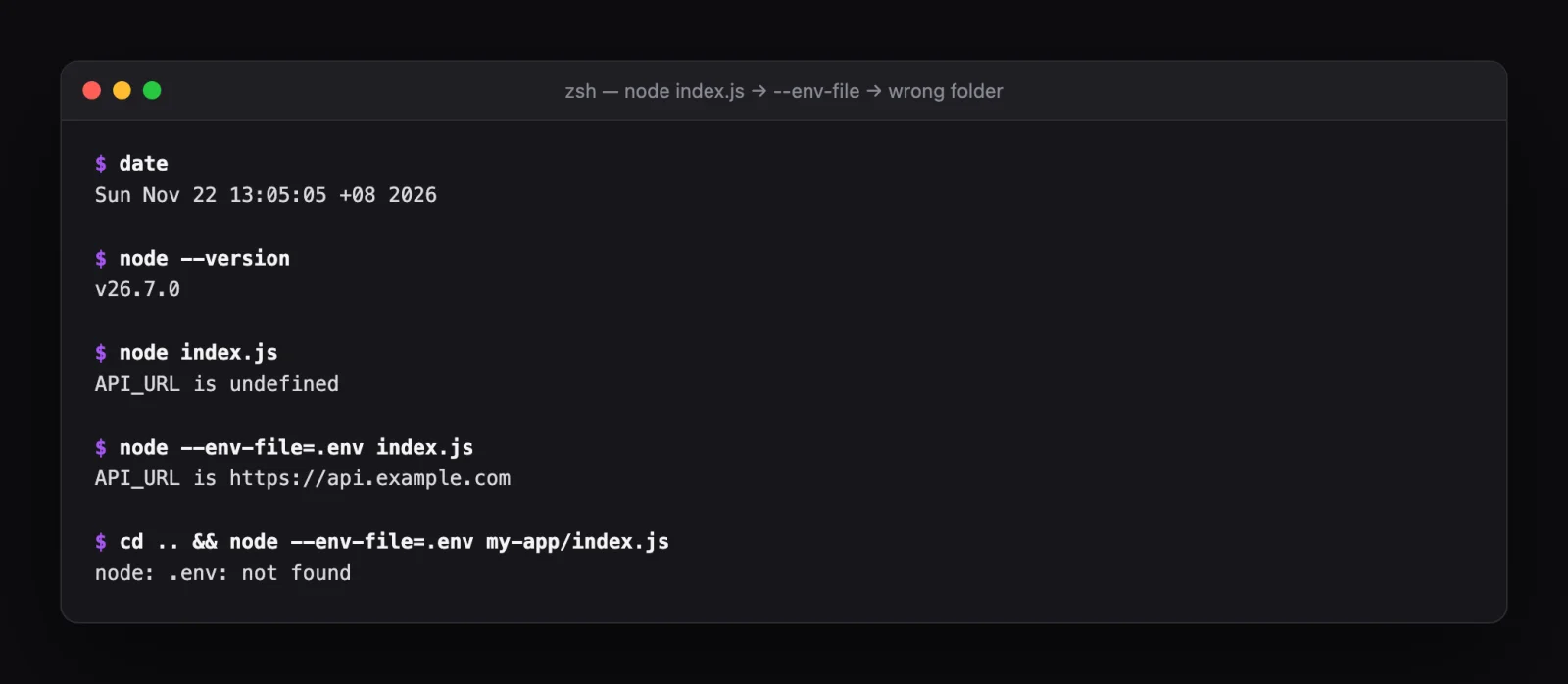
Put the flag in the right spot. Anything after index.js goes to your script, not to Node, so this loads nothing:
node index.js --env-file=.envYou should see:
API_URL is undefinedThere’s no error, only the same undefined you started with.
If you’d rather load the file from inside your code, process.loadEnvFile() does the same job (Node 20.12 or newer). Replace the contents of index.js with:
process.loadEnvFile();
console.log("API_URL is", process.env.API_URL);
Run it with plain node index.js. You should see:
API_URL is https://api.example.com3. Load the file with dotenv
dotenv is the npm package most older tutorials use. It does the same job as Node’s built-in loader, and it’s still a good pick when your app has to run on a Node version older than 20.6. dotenv explained goes deeper into its options.
Install it inside my-app:
npm install dotenvYou should see:
added 1 package in 237ms

1 package is looking for funding
  run `npm fund` for details
The time will differ. npm also creates a package.json and a node_modules folder if you didn’t have them. Now replace the contents of index.js with:
require("dotenv").config();
console.log("API_URL is", process.env.API_URL);
Run node index.js. You should see:
◇ injected env (2) from .env
API_URL is https://api.example.com
The first line comes from dotenv 17. The number in brackets is how many variables it set, and it’s the most useful thing on the screen when something goes wrong. Some runs add a tip after from .env. It changes every time, and you can ignore it.
Check it works
Run your app from a different folder, because that’s where most of these setups break. Go up one level:
cd ..Then run the line for the fix you picked:
dopbase run my-app/development -- node my-app/index.js
node --env-file=my-app/.env my-app/index.js
node my-app/index.js
The first is Dopbase, the second is Node’s flag with the path to the file, and the third is dotenv. Dopbase and the flag print API_URL is https://api.example.com. dotenv prints undefined from here, and the next section explains why.
Still undefined?
Check these three, in this order.
You’re running Node from a different folder
The built-in loader and dotenv both look for .env in the folder you ran the command from, not the folder your script is in. From the parent folder, Node’s flag stops with an error:
node --env-file=.env my-app/index.jsnode: .env: not founddotenv doesn’t stop. It loads nothing and keeps going:
node my-app/index.js◇ injected env (0) from .env
API_URL is undefinedThat (0) is your clue. To fix it, point dotenv at the file next to your script:
const path = require("node:path");
require("dotenv").config({ path: path.join(__dirname, ".env") });
console.log("API_URL is", process.env.API_URL);
With Node’s loader, pass the path, as in node --env-file=my-app/.env my-app/index.js, or use process.loadEnvFile(path.join(__dirname, ".env")). dopbase run doesn’t read a file, so the folder doesn’t matter to it.
The value is read before the file is loaded
This one catches people who use import (ES modules). Node runs every import before the rest of the file, so a module that reads process.env at its top level runs before your dotenv.config() line, even when that line sits near the top.
Make two files in my-app. config.mjs reads the value, and esm-wrong.mjs loads dotenv after importing it:
// config.mjs
export const apiUrl = process.env.API_URL;
// esm-wrong.mjs
import { apiUrl } from "./config.mjs";
import dotenv from "dotenv";
dotenv.config();
console.log("apiUrl is", apiUrl);
console.log("process.env.API_URL is", process.env.API_URL);Run node esm-wrong.mjs. You should see:
◇ injected env (2) from .env
apiUrl is undefined
process.env.API_URL is https://api.example.com
dotenv loaded both values, but too late for config.mjs. The fix is to import dotenv/config before anything else. Save this as esm-right.mjs:
import "dotenv/config";
import { apiUrl } from "./config.mjs";
console.log("apiUrl is", apiUrl);
Run node esm-right.mjs. You should see:
apiUrl is https://api.example.comNode’s --env-file flag and dopbase run don’t have this problem, because the values are in place before any of your code runs.
Your shell already has a value with that name
If you exported API_URL in your terminal earlier, or your shell profile sets it, Node’s loader and dotenv both keep that value and skip the one in the file. This line sets it for one command to show what happens:
API_URL=https://old.example.com node --env-file=.env index.jsYou should see:
API_URL is https://old.example.comdotenv does the same, and its count drops by one because it only counts the variables it set:
◇ injected env (1) from .env
API_URL is https://old.example.com
Run echo $API_URL to see whether your shell has one. If it prints a value, run unset API_URL or open a new terminal, then try again. To make the file win in dotenv, pass override: true to config().
dopbase run works the other way round. The stored value replaces the one from your shell. To keep the shell’s value for a key, name it with --preserve-env API_URL. The dopbase run guide covers the other flags.
Pro tips
- Put the flag in a script. Add
"start": "node --env-file=.env index.js"toscriptsinpackage.json. npm runs scripts from the folder that holdspackage.json, sonpm --prefix my-app startworks from the parent folder too. - Use
--env-file-if-exists=.env(Node 22.9 or newer) when the file only exists on some machines. When it’s missing, Node prints.env not found. Continuing without it.and starts anyway. - With Dopbase,
dopbase run my-app/development -- sh -c 'env | cut -d= -f1'lists which names arrived without printing a single value, so you can check a setup while someone is looking at your screen.
Questions
Why is process.env undefined in Node?
Because nothing loaded your .env file. Node only fills process.env from the environment it was started with. Load the file with node --env-file=.env, process.loadEnvFile() or dotenv, or start the app with dopbase run.
Do I still need dotenv in Node.js?
Not on Node 20.6 or newer for most apps. node --env-file=.env and process.loadEnvFile() load the same file without a package. dotenv is still useful on older Node versions and for options like override: true.
Where should the .env file go in a Node project?
In the folder you run node from, which is usually the project root next to package.json. Both loaders look for .env in the current folder, not in the script’s folder.
Why does dotenv say injected env (0)?
dotenv counts only the variables it set. It shows 0 when it found no .env in the current folder, and a lower number when your shell already has some of the names. Run the app from the folder that holds .env, or pass the full path with config({ path }).
Conclusion
Node doesn’t read .env by itself, so undefined almost always means the loader is missing, looking in the wrong folder or running too late. Node’s --env-file flag needs nothing installed, and dotenv covers older Node versions. Both still leave your keys in a plain text file. dopbase run skips the file altogether, works from any folder and keeps the values encrypted on a server, which is the setup I’d pick for anything with real keys in it.
Before you trust your setup, run the app once from the parent folder. That one check catches most of these.