Why development should not use production secrets
Separate development and production credentials so a mistake on a laptop, test runner, or coding agent cannot reach live systems.
A development laptop will eventually run unfamiliar code. A dependency adds an install script. A test prints more than expected. A coding agent follows a bad instruction.
None of those events should open a path to production.
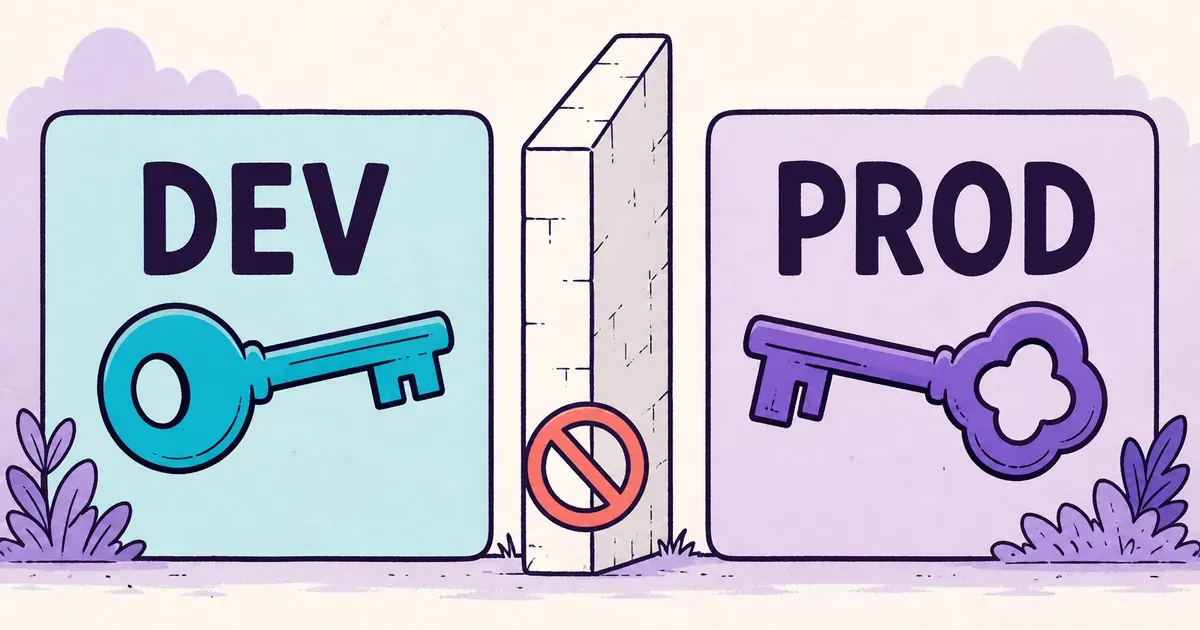
The practical rule is simple: development and production need separate credentials, separate permissions, and separate ways to revoke access.
Environment names do not create a boundary
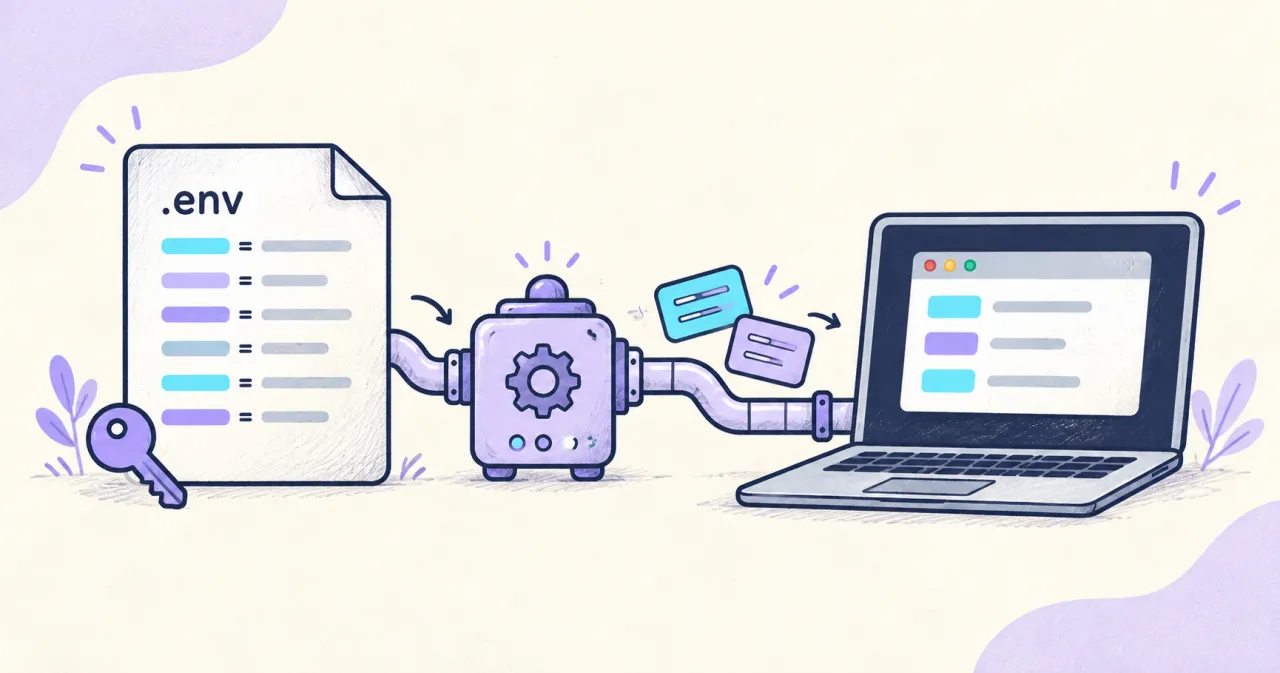
Teams often create development, staging, and production files while reusing the same API key in all three. The filenames look separate. The provider still sees one credential with one set of permissions. For Node.js applications, the dotenv guide explains how file paths and existing environment values affect loading.
If that key leaks from development, an attacker receives everything the key can reach. Calling a credential “development” does not reduce its access.
The OWASP Non-Human Identities Top 10 identifies environment isolation, identity reuse, and long-lived secrets as separate risks. Reusing one permanent credential across environments connects them. A forgotten preview deployment can retain the same access as the production service.
Separate credentials reduce the damage:
- a development database password opens only the development database
- a test payment key cannot create a live charge
- a development leak can be rotated without interrupting production
- a retired workload can lose access without affecting another server
Give each environment its own identity
Do not stop at separate values in separate files. Create the credentials at the provider with permissions that match the environment.
A useful environment boundary has three properties:
- Development cannot authenticate to production services.
- Production credentials never enter routine developer workspaces.
- Each deployment has access that can be revoked without disabling unrelated workloads.
This matters for people as much as tools. A developer should not need production access to run the application locally. Operational work that does require production access should use a separate, time-bounded workflow with a clear audit trail.
For agent-assisted development, pair this boundary with the workspace practices in How to keep real secrets out of an AI coding workspace.
The environment is explicit in Dopbase
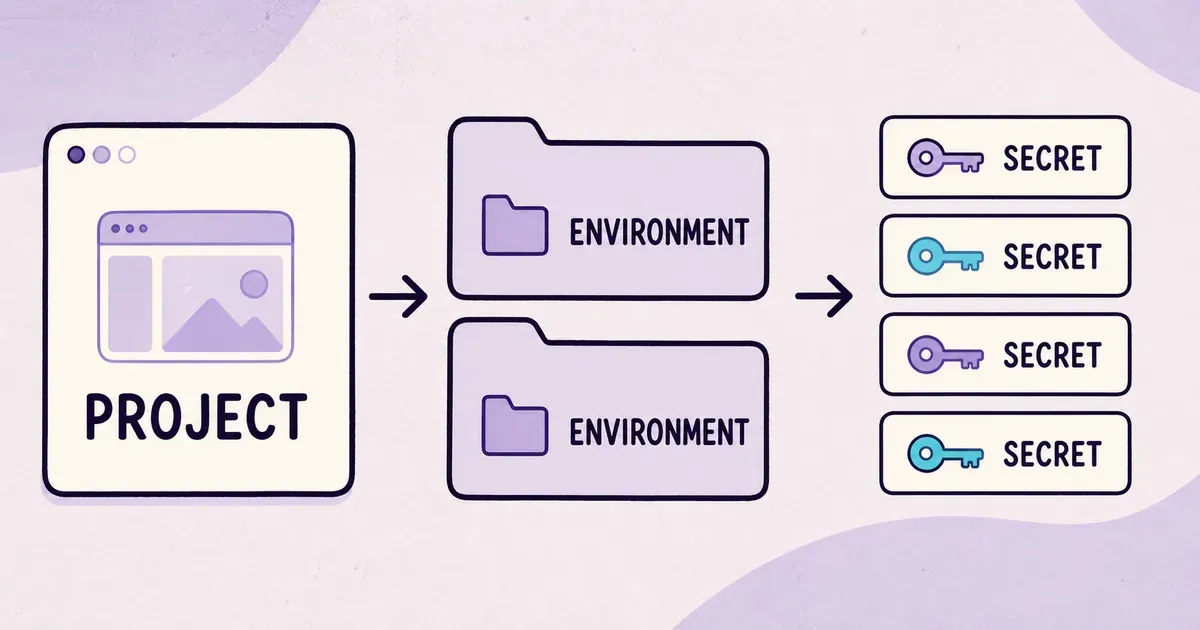
Dopbase gives every secret an environment:
Project
  ├── development
  ├── staging
  └── production
The command-line interface names the target environment:
dopbase run payment-service/development -- npm startFor deployment automation, the design also accepts an immutable environment ID. Readable references help at the terminal. An ID prevents a rename from silently changing what a deployment targets.
Use a different runner token for each workload
Dopbase uses environment-scoped runner tokens for deployed workloads:
dopbase token create payment-service/production \
  --name deploy-production \
  --role runner
A runner token retrieves values only for its assigned environment. Dopbase records token metadata and makes revocation explicit:
dopbase token revoke TOKEN_IDOne token should not be copied across every server. A separate identity for each workload gives operators a name to investigate and a narrow target to revoke.
Keep production outside coding-agent sessions
An AI coding agent working on a local checkout should use fake data or restricted development credentials. It should not receive production secret values, production runner tokens, or configuration that points to live systems.
This rule matters even when the agent behaves correctly. It may execute vulnerable code, install a compromised package, or include environment details in a bug report. Removing production access prevents those mistakes from becoming production incidents.
Know what isolation cannot solve
Environment separation limits reach. It does not repair weak credentials, compromised hosts, unsafe application logging, or poor backup security.
A production process receives production secrets because it needs them. If the host is compromised, those values may be exposed in memory or through the process itself. No secret-delivery tool can make a credential invisible to the application using it.
The useful test is concrete: if development leaks today, can you rotate its credentials without touching production? If the answer is no, the environments are still connected.