Committed a secret? Revoke it before cleaning Git history
Deleting a committed secret does not disable it or remove it from Git history. Revoke or rotate it first, then clean the repository.
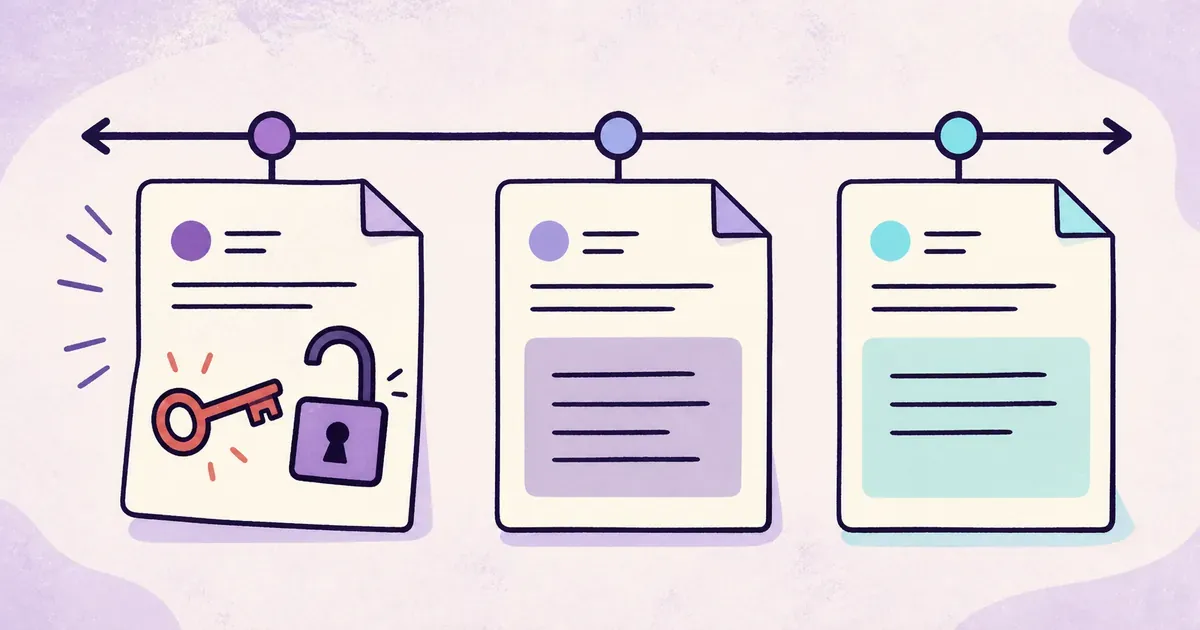
You find a database password in a commit. You delete the line, push again, and the latest version looks clean.
The password still exists in the earlier commit. More importantly, it still works.
Removing a secret from code does not disable the credential. Anyone who copied it can keep using it until the provider rejects it. Treat an active credential exposed in Git as compromised, even when the repository is private.
First, find out what the secret can access
Identify the provider, owner, permissions, and environment. A disposable test key needs a different response from an administrator credential for a production account.
Record where you found the value and when it entered the repository. Search branches, issues, pull requests, logs, documentation, and CI output for the same secret. Secret scanners recognize many provider formats, but they cannot identify every custom password or private token.
Do not start by spending an hour rewriting Git history while a working production credential remains active. Contain the access first.
Revoke or rotate the credential
GitHub’s guide to remediating leaked secrets recommends immediate revocation for high-risk secrets. The provider that issued the credential is the place where you disable it.
The exact order depends on the service and the risk of downtime:
- Revoke the old credential immediately when continued access presents the greater risk.
- If abrupt revocation would cause a serious outage, create a replacement, update the application, and then revoke the old value.
- Confirm that the old credential no longer works.
Changing a value in a secret manager is not the same as revoking it at the provider. Disable an AWS key in AWS. Change a leaked database password at the database. Revoke a payment-provider key in that provider’s dashboard.
Update every application and job that used the old value. Check cron jobs, preview deployments, old servers, and scripts on developer machines. An incomplete rotation often appears later as an unexplained outage.
Check whether someone used it
Review the provider’s activity logs for the period between the first exposure and revocation. Look for unexpected IP addresses, resource creation, data access, permission changes, or billing activity.
Preserve the evidence you need before rewriting history. Repository history helps establish when the leak happened and which branches carried it. Provider logs show what the credential did.
If the credential reached a public repository, assume automated scanners had time to collect it. A brief exposure is still an exposure.
Clean Git history after containment
Once the old credential is dead, remove it from the current code and replace it with an environment variable or secret-store reference.
Decide separately whether to rewrite Git history. GitHub’s sensitive-data removal guide explains that rewriting changes commit hashes, disrupts open pull requests, and can be reversed if an old clone pushes contaminated history again.
History cleanup can matter for compliance or to reduce accidental copying. It does not replace revocation. A dead credential left in history is safer than a working credential removed only from the latest branch.
Fix the workflow that allowed the leak
Enable secret scanning and push protection where they are available. Keep .env and local override files out of Git, while remembering that ignored files are still readable on the machine.
Use separate credentials for development and production. Keep working values outside the repository, and pass them only to the process that needs them. Our guide to keeping secrets out of an AI coding workspace applies the same rule to agent-assisted development.
Dopbase follows that workflow with interactive secret entry and explicit environment selection:
dopbase secret set payment-service/development DATABASE_URL
dopbase run payment-service/development -- npm start
This reduces the need for plaintext files after an incident. Dopbase does not scan Git or revoke credentials at another provider.
Remember the response order
When a credential leaks:
- Identify what it opens and who owns it.
- Revoke or rotate it at the provider.
- Update every affected service.
- Check for unauthorized use.
- Remove the value from code and decide whether to rewrite history.
- Add controls that make the same mistake harder to repeat.
Revocation changes what an attacker can do. Deleting a line changes only what appears in the latest version of the repository.