Can an AI coding agent read your .env file?
Yes, a coding agent can usually read an ignored .env file. Learn where credentials can leak and how to keep real secrets outside its workspace.
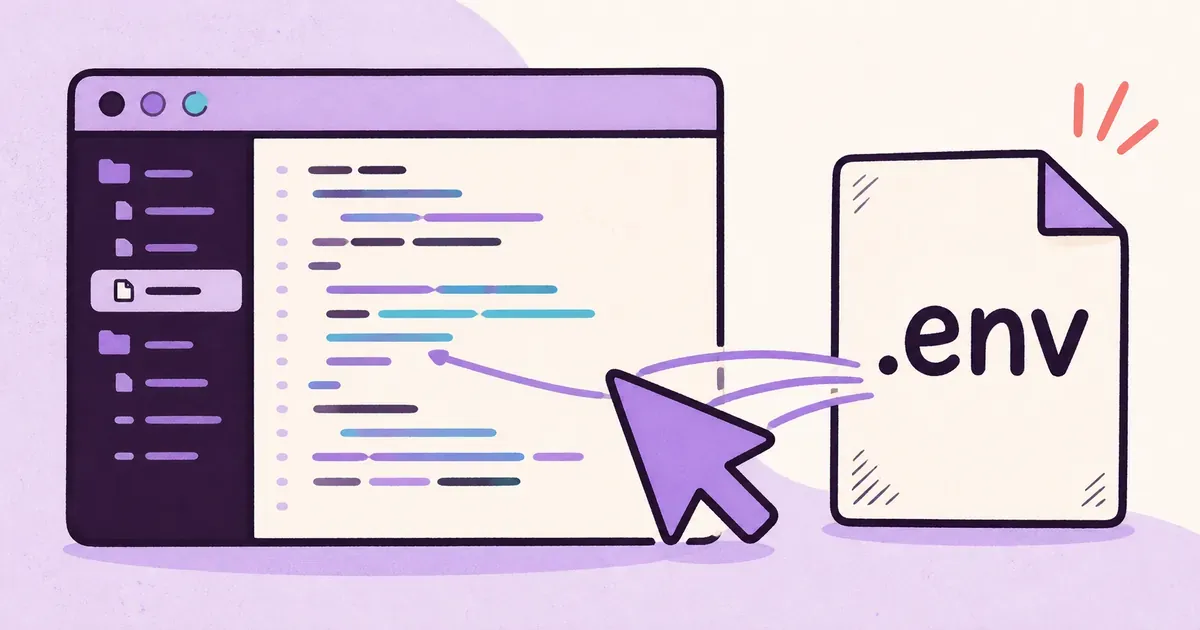
Yes. If an AI coding agent can inspect your project, it can usually read the .env files in that workspace.
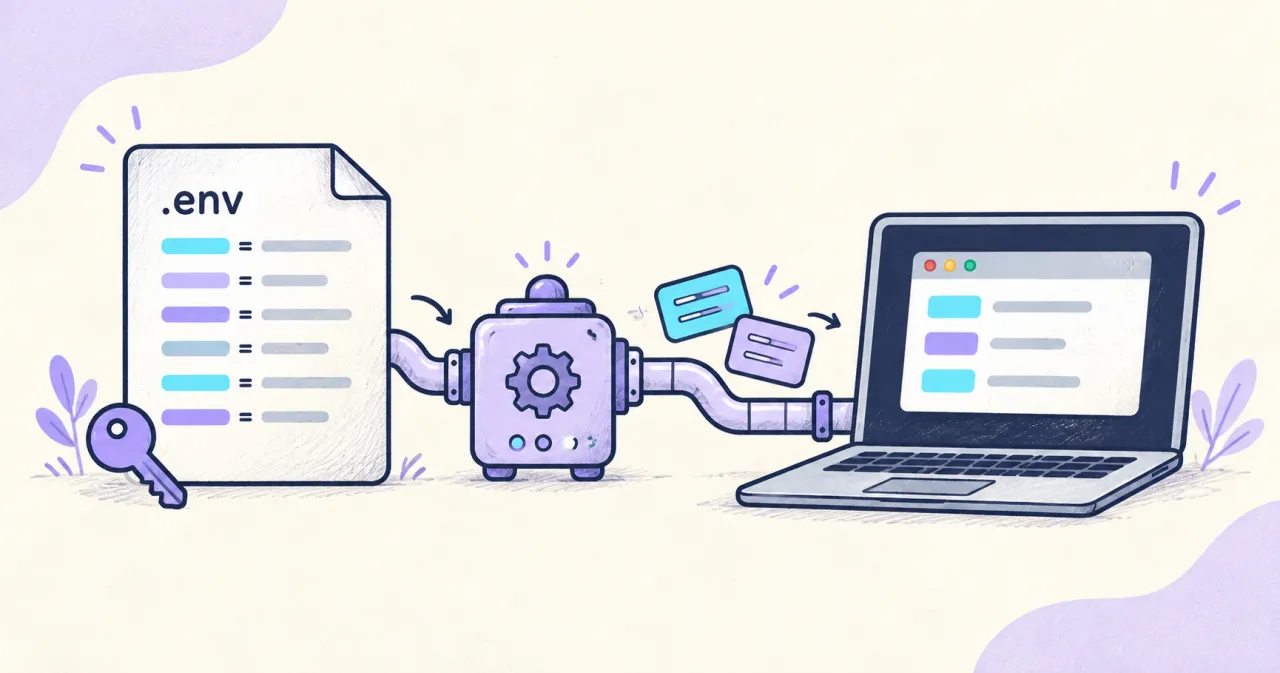
Adding .env to .gitignore prevents a normal Git commit. It does not hide the file from software running on your laptop. A coding agent may read it directly, load it through a command, or expose its values while debugging another problem.
That changes the usual advice about local secrets. Keeping credentials out of Git still matters, but Git is no longer the only boundary to think about.
Why .gitignore does not protect a secret
Suppose a project contains this file:
DATABASE_URL=postgresql://admin:password@production.example/app
PAYMENT_API_KEY=live_value_here
An entry in .gitignore stops git add . from staging the file. The file remains beside the source code. An agent asked to diagnose a database error may inspect it, run a command that loads it, or add temporary logging around the environment.
Most coding agents are not trying to steal credentials. Their usefulness comes from broad access. The OWASP Secure Coding with AI Cheat Sheet describes agents that edit files, execute commands, install packages, run tests, and access network services. A workspace available to that agent is part of its trust boundary.
The agent does not need to open .env directly to expose a value. Loaders such as dotenv put file values into the application environment. It can run a program that prints the environment, include a credential in an error report, or send a request to the wrong service after editing a test.
Where credentials can leave the workspace
A secret may never reach a Git commit and still appear in:
- terminal output or shell history
- generated patches and debugging transcripts
- logs, crash reports, and test snapshots
- saved chats and support conversations
- MCP server configuration
- commands sent to another tool or network service
GitGuardian’s State of Secrets Sprawl 2026 report found that Claude Code co-authored commits leaked secrets at about twice the baseline rate across public GitHub commits. The report also says roughly 28% of incidents in its dataset originated entirely outside code repositories, in collaboration and productivity tools.
The lesson is narrower than “AI agents are unsafe.” A credential can travel through every surface an agent can read, run, or report back through. Repository scanning covers only part of that path.
Check what your coding agent can access
Before starting an agent, inspect the places where working credentials collect:
.env,.env.local, and framework-specific environment files- JSON, YAML, or TOML configuration used by local tools
- test fixtures copied from production data
- cloud CLI profiles and user-level credential files
- parent directories that fall inside the agent’s filesystem scope
- logs and saved terminal output
Review the permissions you granted, including shell and network access. A rule that tells an agent not to read a file is weaker than an operating-system or sandbox boundary that prevents the read.
Use fake values for unit tests. If a real integration is unavoidable, use a narrowly scoped development credential that cannot charge customers, delete production data, or administer a cloud account.
For a practical workspace setup, read How to keep real secrets out of an AI coding workspace.
Where the Dopbase workflow fits
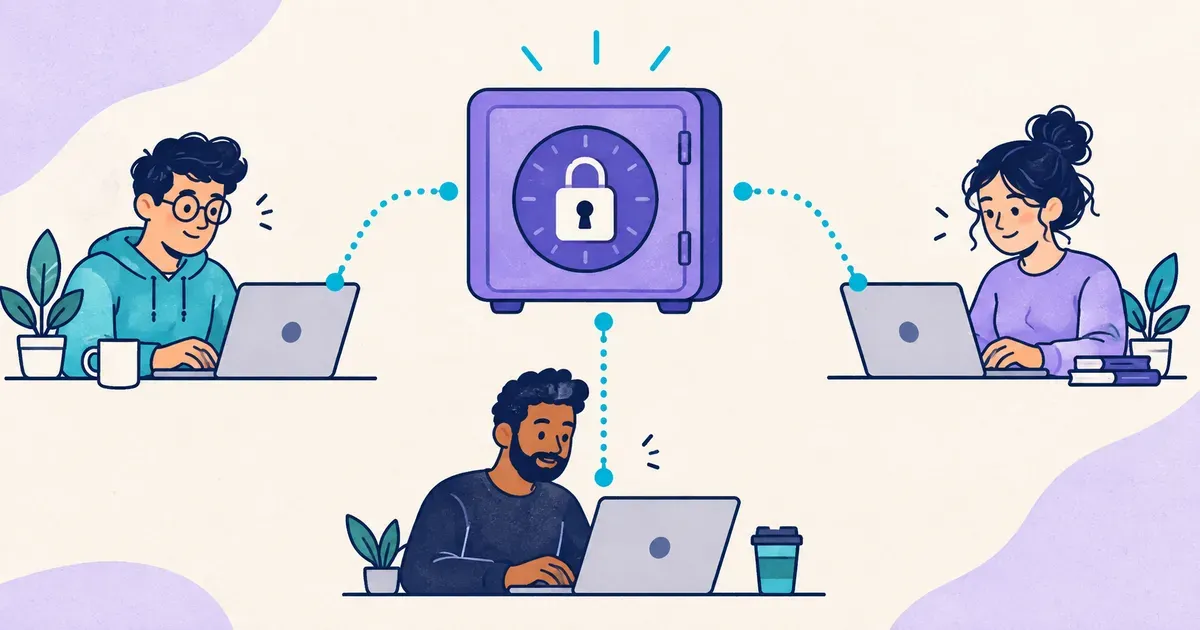
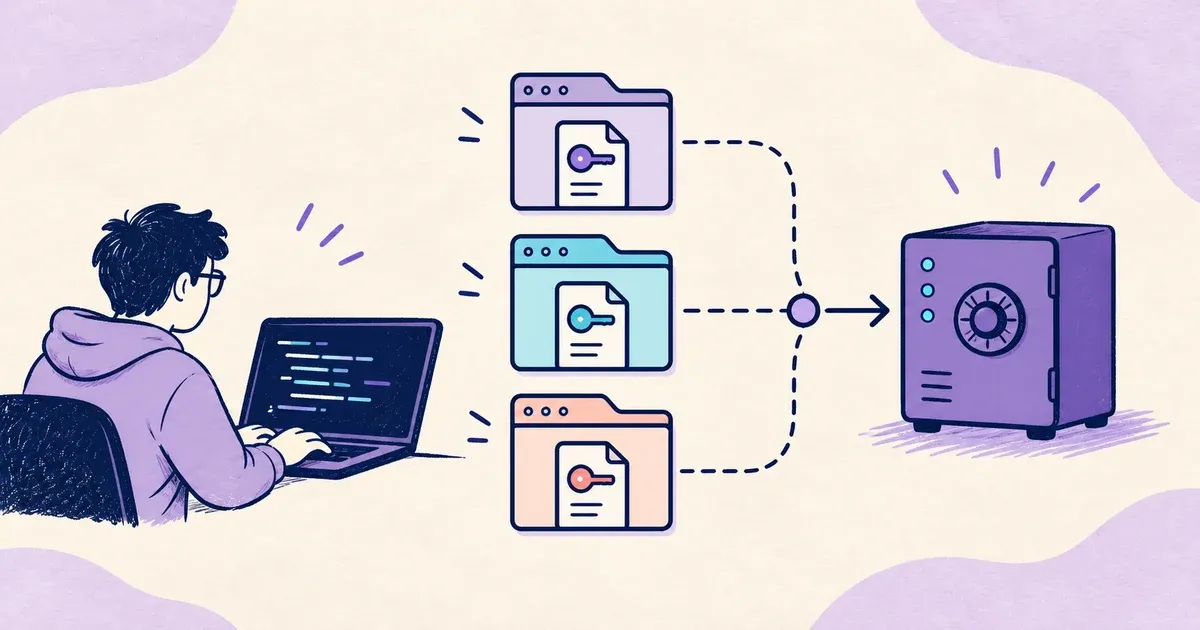
Dopbase stores secrets by project and environment, outside the application repository. The workspace can keep an .env.example containing names and harmless examples:
DATABASE_URL=
PAYMENT_API_KEY=
When a reviewed command needs development values, the client fetches an explicit environment and passes those values to the child process:
dopbase run payment-service/development -- npm testThis design removes the need for a plaintext .env copy beside the code. It also makes the target environment visible in the command.
The boundary has a hard limit. If you launch the coding agent itself with secret values, the agent receives them. If it can edit and execute the program that receives them, it may be able to make that program reveal them. A secrets manager can control storage and delivery. It cannot make untrusted code trustworthy.
Use a smaller trust boundary
Keep routine agent work on fake data. Review changes before running credentialed integration tests, then execute those tests yourself or through a controlled CI job with an approval step.
The goal is simple: opening a repository should not also open a file full of working credentials.